Solwise Ltd., www.solwise.co.uk, sales@solwise.co.uk
- 5 -
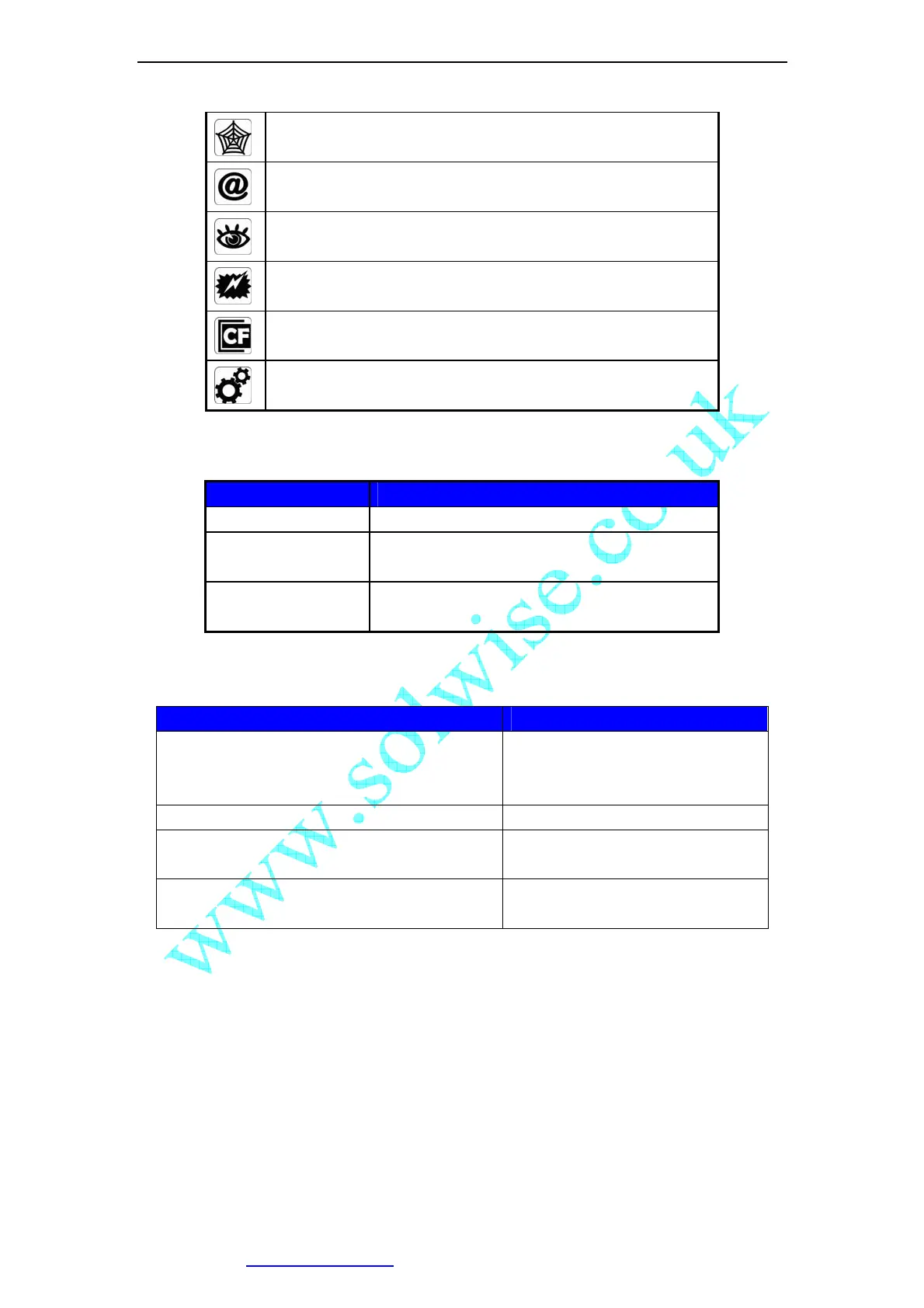
DDNS Server Registered. Connected to the INTERNET
successfully.
Vilar Backbone server connected successfully.
There is/are user(s) visiting IP Camera video.
Sensor triggered. (Digit input or Motion detection)
CF card detected.
System in configuration status. E.g. Upgrading firmware.
Network mode indications:
Icon Meaning
Static IP Use static (manually fixed) IP mode.
DHCP IP Address is dynamically assigned by DHCP
Server.
PPPoE IP Camera’s internal PPPoE dial function
enabled.(Used for xDSL)
Working status LED meaning:
LED Status Meaning
Normal Flashing:
Turns on for 1/2 second every 3 seconds
Normal running
Always on or always off System error
Fast Flashing:
Turns on for 1/2 second every 1 second
System is starting, Please wait.
Slow Flashing:
Turns on for 1/2 second every 6 second
Upgrading firmware, Please wait.



 To Next Page