20
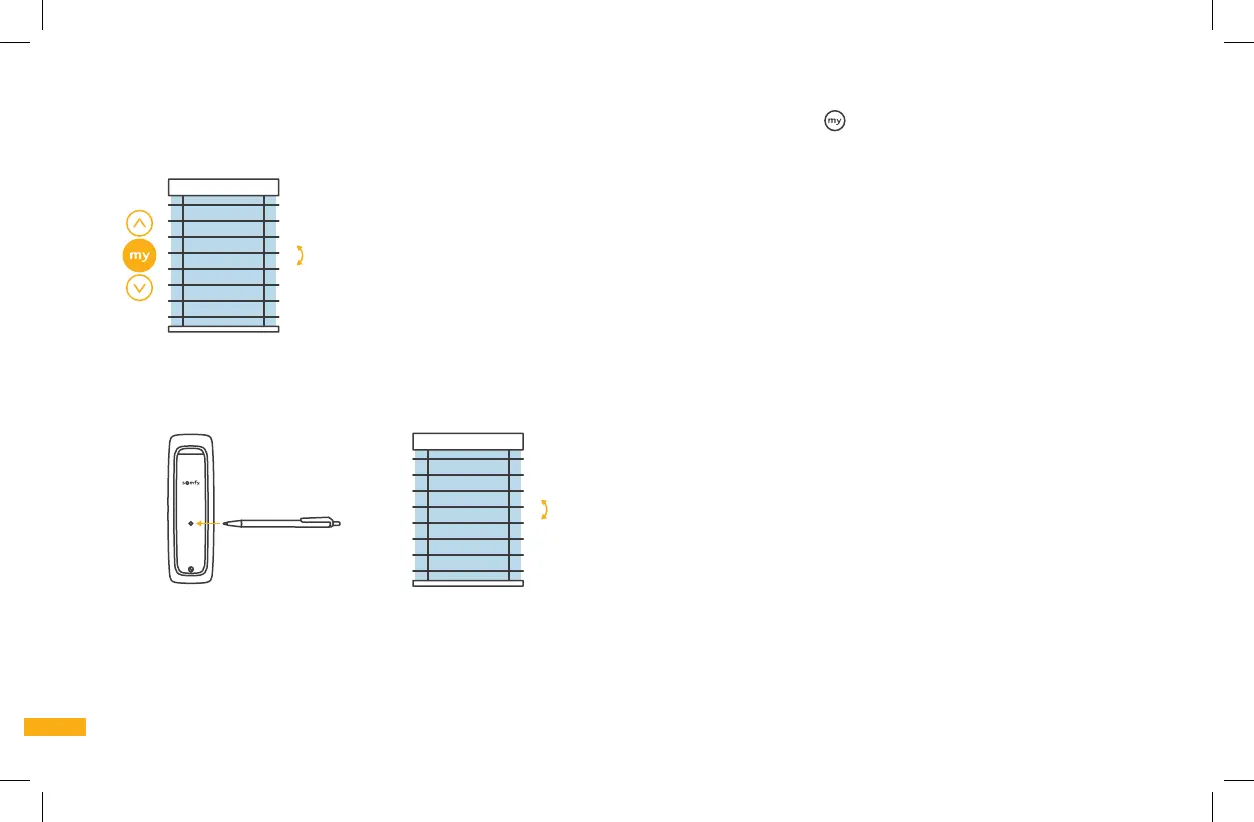
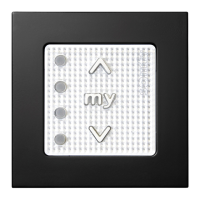
6e. CONFIRM THE UPPER AND LOWER LIMIT POSITIONS (STOP POINT): Press and hold the MY button
.
The blind slats will briefly tilt up and
down to confirm the limit settings. Go to step 6f.
Brief tilt
up & down
6f. PROGRAMMING COMPLETION: Use a ballpoint pen (or similar fine-tipped item) to briefly press the Program button on the back of the
remote control.
The blind will briefly tilt up and down.
Brief tilt
up & down
Programming is now complete and the blind is ready for basic operation.



 To Next Page