19
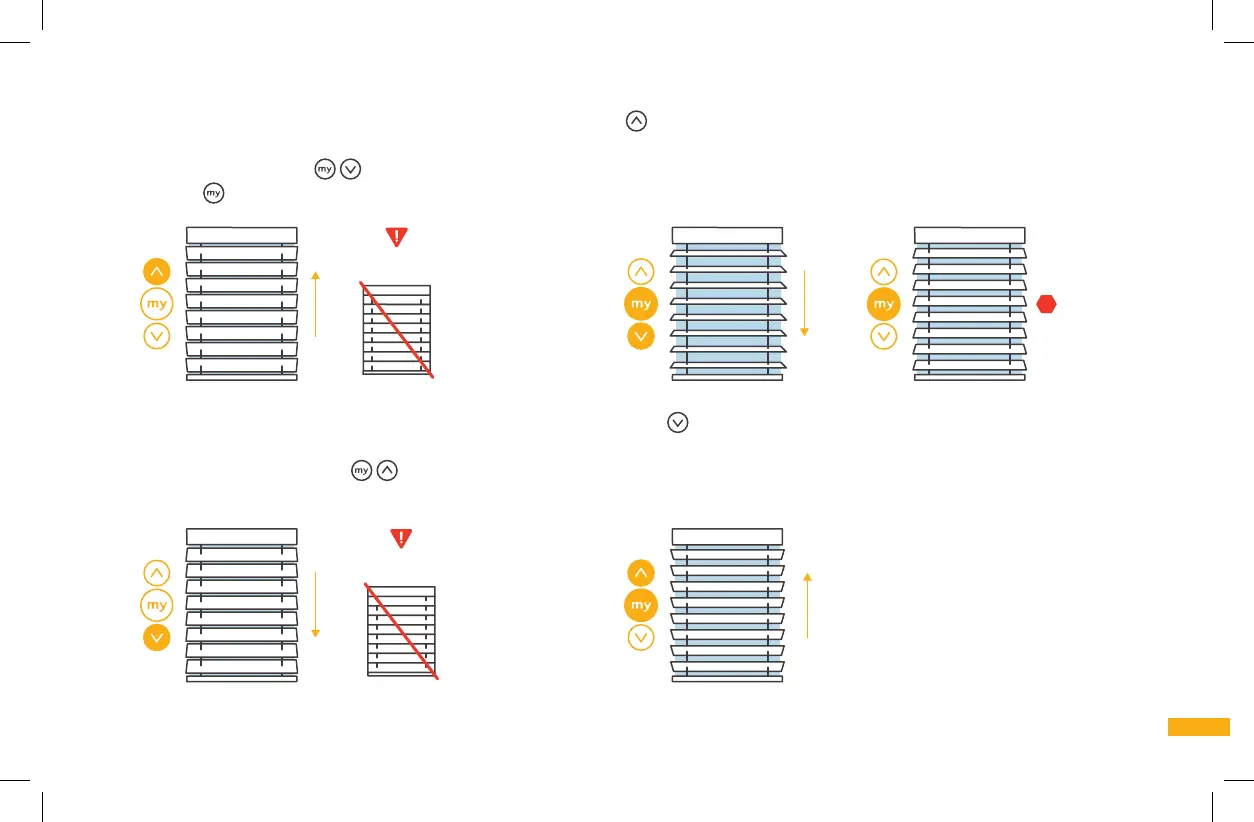
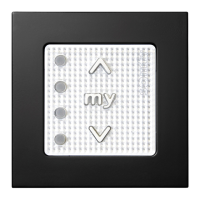
6c. SET THE UPPER LIMIT (STOP POINT): Press and hold the UP button until the blind slats tilt up to the desired closed position.
IMPORTANT: Be sure not to over-rotate at this step; the motor should not strain to reach the limit/stop point position. Now press the
MY and DOWN buttons
simultaneously; the blinds will automatically start tilting downward. IMMEDIATELY PRESS THE MY
BUTTON
TO STOP THE BLINDS. The upper limit is now memorized. Go to step 6d.
Do not
over-rotate
6d. SET THE LOWER LIMIT (STOP POINT): Press and hold the DOWN button until the blind slats tilt down to the desired closed position.
IMPORTANT: Be sure not to over-rotate at this step; the motor should not strain to reach the limit/stop point position. Now
press the MY and UP buttons
simultaneously; the blinds will automatically start tilting upward and will automatically stop at
the pre-programmed upper limit. The lower limit is now memorized. Go to step 6e.
Do not
over-rotate



 To Next Page