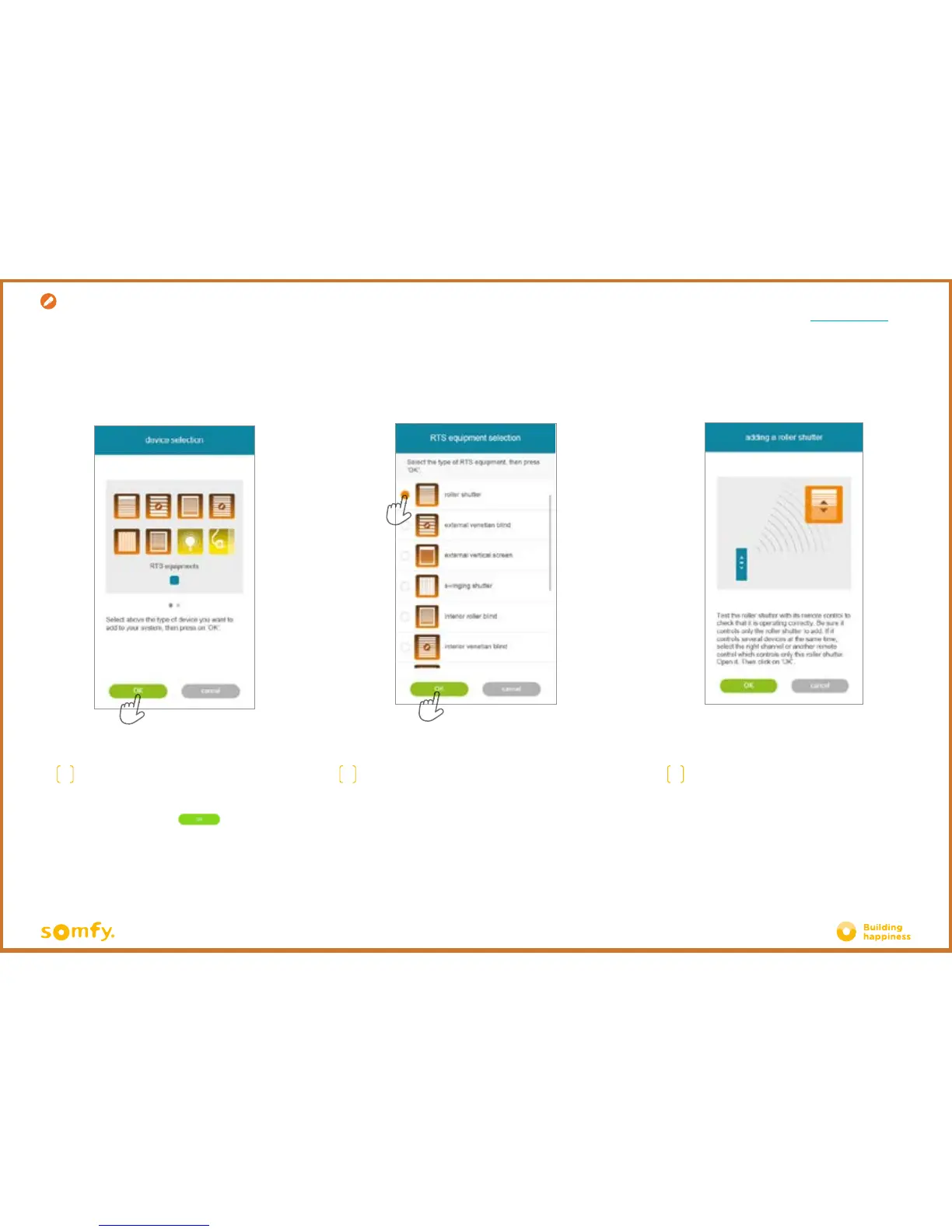
B. REGISTER RTS EQUIPMENT
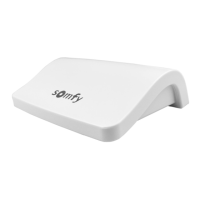
ON YOUR CONNEXOON
F
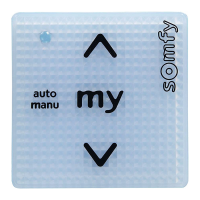
Test the product by controlling it from the
wall control unit or remote control. Ensure
that the control only actuates the product
being added.
D
Select the type of product that you wish
to add to the installation: RTS motors/
actuators or Philips Hue lights, then
confirm by pressing
E
Select the icon representing the product that you
want to register on the Connexoon unit.
Creation
43/47







 To Next Page