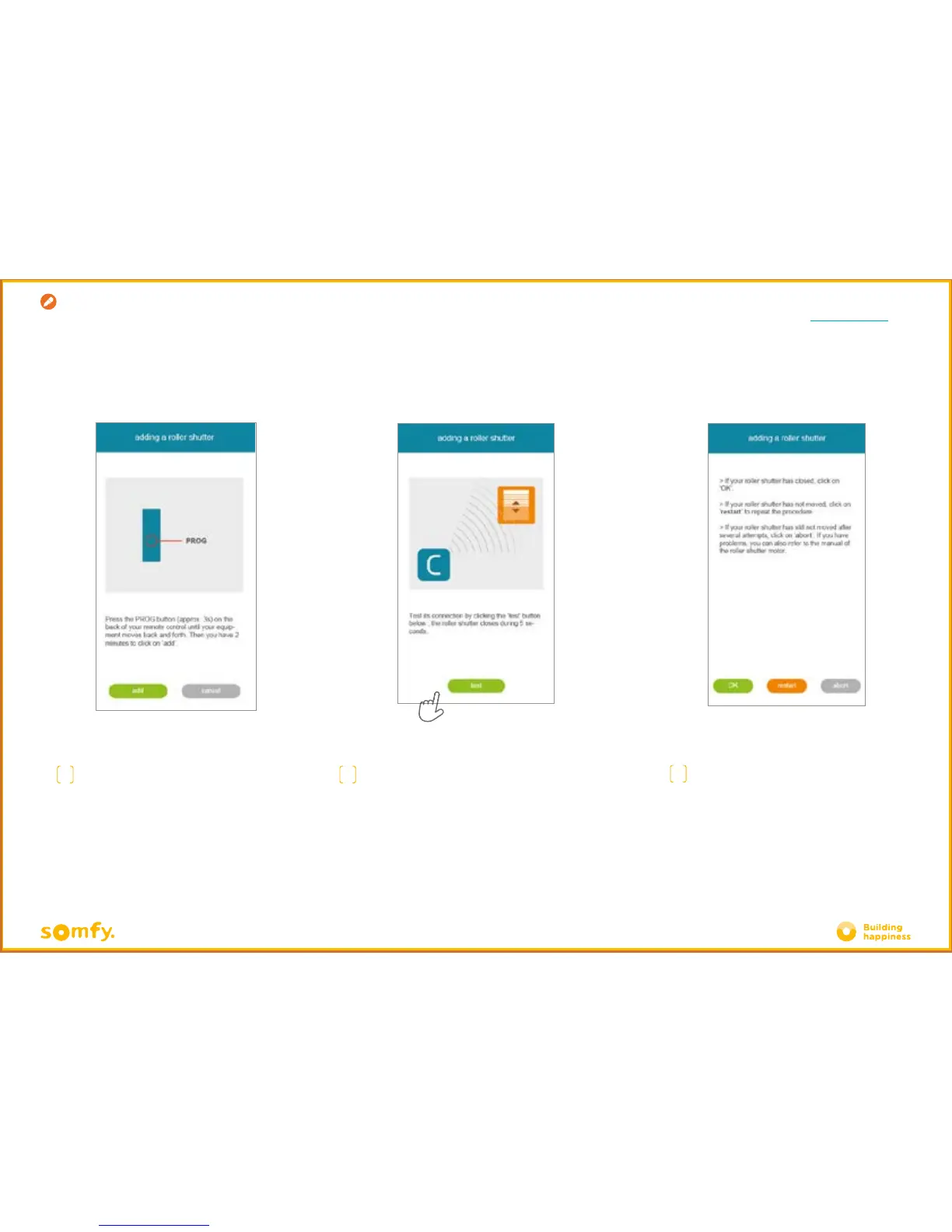
B. REGISTER RTS EQUIPMENT
ON YOUR CONNEXOON
I
Press OK if your product has moved, or
"start again" if it has not. If the product does
not move aer several tests, click "cancel".
G
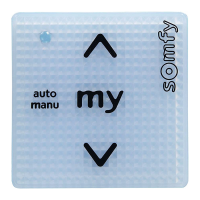
Press the PROG button of the handset
of the product to be added until
it makes an up and down movement (or
flashes). You then have 2 minutes
to
confirm by pressing "add"
H
Check the product has been successfully
registered by pressing "test".
The product will move (or flash) for 5 seconds.
Creation



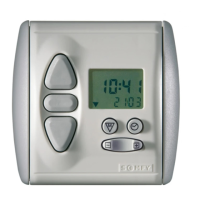
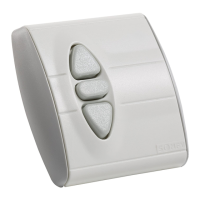
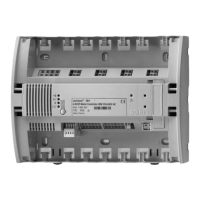




 To Next Page