EN Ysia 1 Zigbee Ysia 5 Zigbee
4 Copyright
©
2023 SOMFY ACTIVITES SA. All rights reserved.
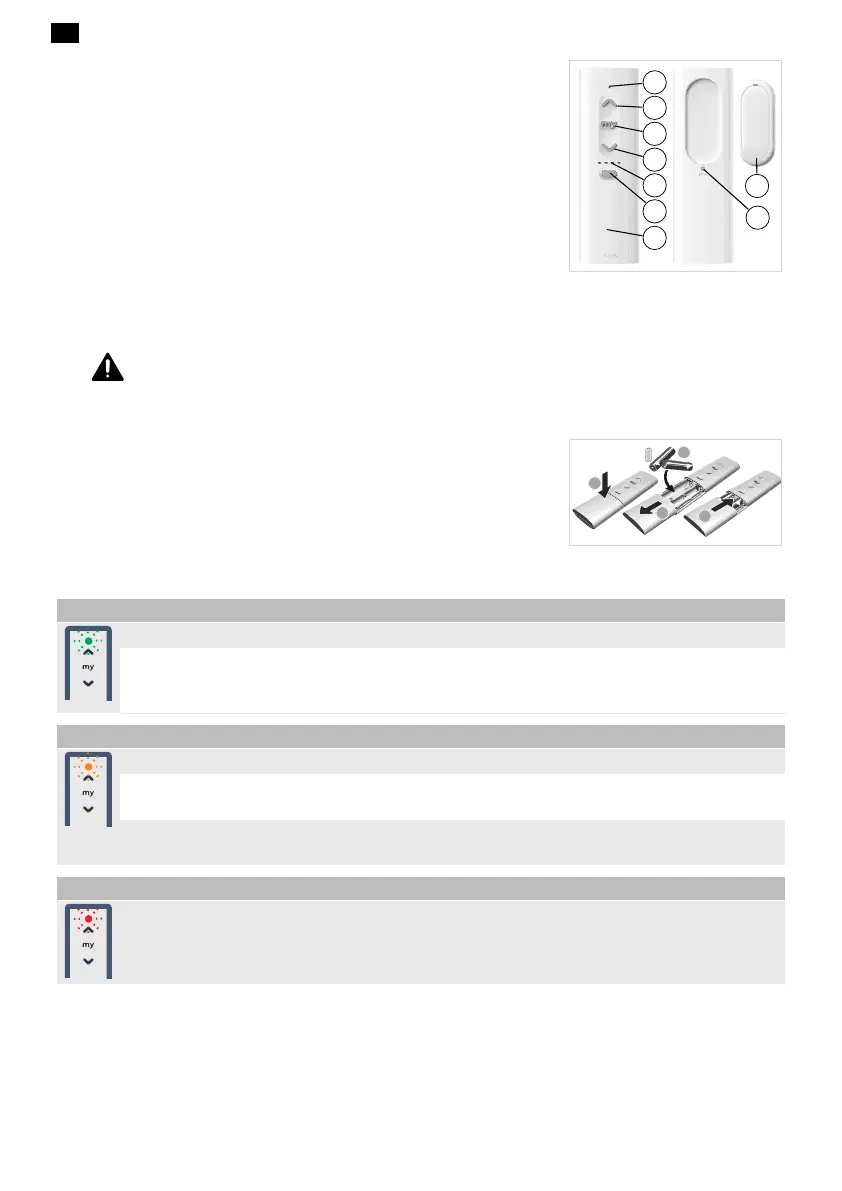
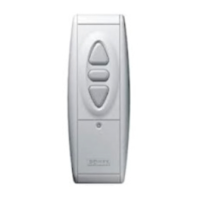
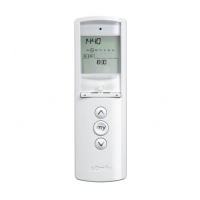
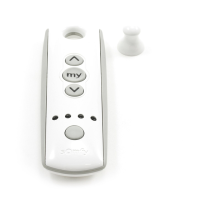
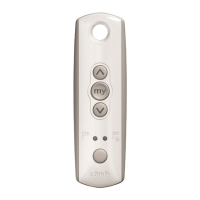
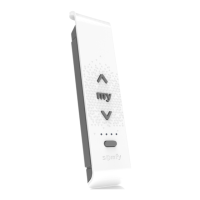
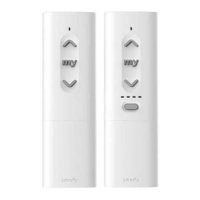
a) Feedback LED (refer to section Feedback LED ergonomics)
b) Up button
c) Stop/my button
d) Down button
e) Battery cover
f) Wall bracket
g) PROG button
h) Channel selection LED (Ysia 5 Zigbee control point only)
i) Channel selector
1.6.Installing the batteries
DANGER
Read the Safety instructions document.
Explosion risk if the battery is replaced by an incorrect type.
Insert the batteries type AAA LR03, 2 x 1.5 V, as indicated by
the polarity markings (+ and - signs) in the battery
compartment. The power supply terminals must not be
short-circuited.
1.7.Feedback LED behaviour
Green LED lights up to indicate correct process
Heartbeat: The control point is sending an order in broadcast.
ON for 2 seconds: Acknowledge received from the drive (“my” position registered, reset to factory mode, exit
from setting mode, network pooling finished, Bind/Unbind OK, New end limit registered, Change of direction of
rotation).
Orange LED lights up to indicate settings
Slow blinking: The control point is in setting mode with a drive.
Regular blinking: For Tahoma Ready solution network management - the control point is scanning to join a
network to find a product in programing mode, or it is ready to join another remote network.
Fast blinking: For Tahoma switch solution network creation - the control point is scanning to join a network
and polling for binding.
Red LED lights up to indicate an error
Blinking 3 times: Error Signal (ACK error, Channel empty, “my” registration error, identify error, rotation
update error, end limit registration error, binding/unbinding error, return to factory mode error, network
pooling error, proximity pairing mode error, scanning mode error).





 To Next Page