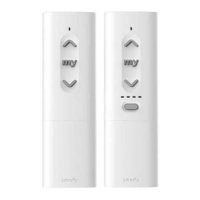
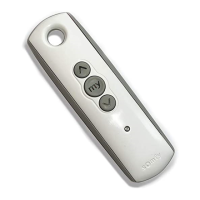
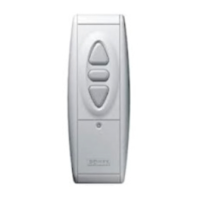
Ysia 5 Zigbee Ysia 1 Zigbee EN
Copyright
©
2023 SOMFY ACTIVITES SA. All rights reserved. 7
▪
Mobile phone or mobile device with operating system Android
™
OS 8.0 and later.
The software version of the TaHoma pro application may be updated from time to time to add new features and services.
2.2.2.Network management
To pair a control point to the drive, to add a new control point or a new drive in the installation, follow the instructions on
the TaHoma pro application.
2.3.Resetting the network
▪
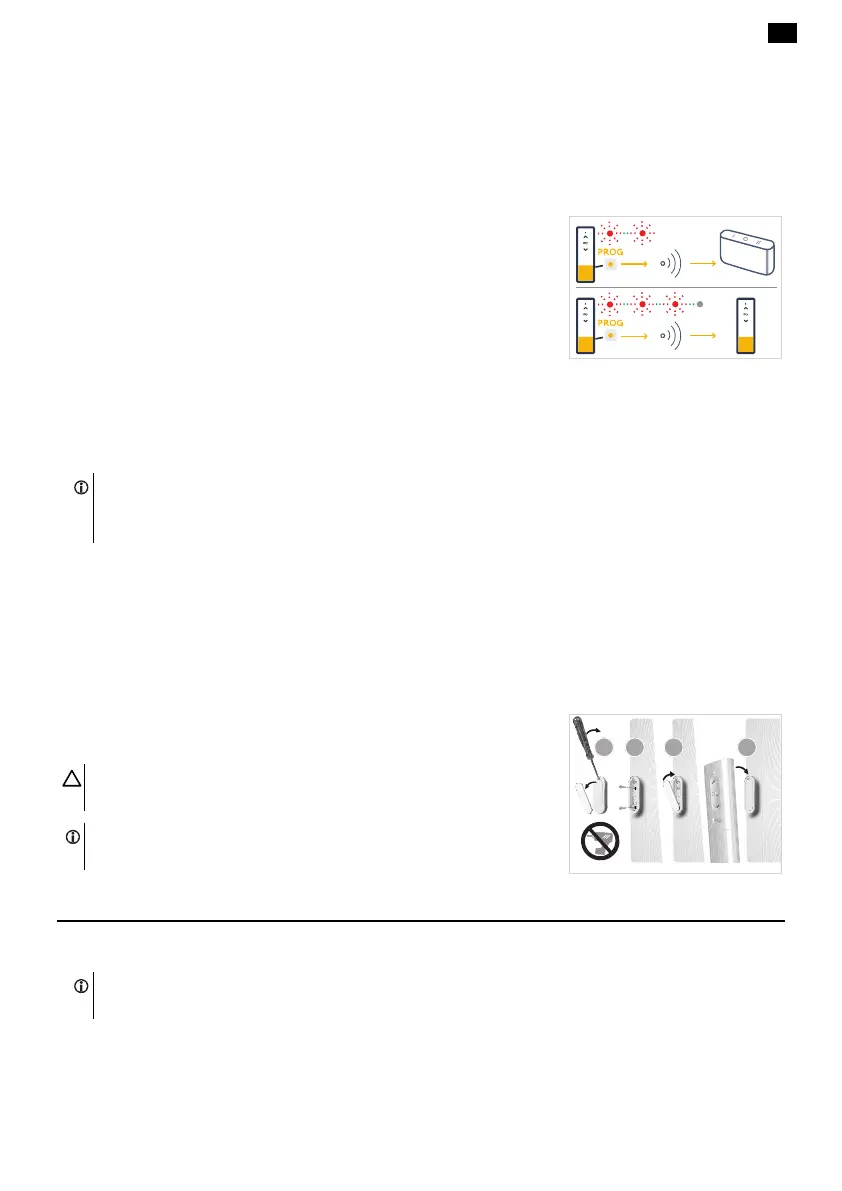
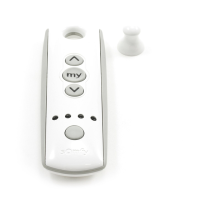
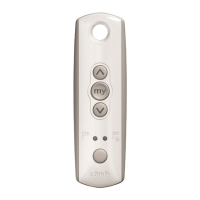
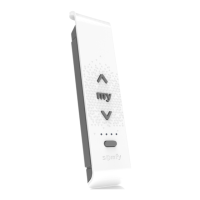
Press and hold the PROG button from a control point until the second red
blink: the control point leaves current network. Then the control point is
scanning for a network in a hub solution and polling for binding (TaHoma
switch).
▪
Press and hold the PROG button from a control point until the third red blink
and the indicator light turns off: the control point leaves current network, and
the control point is ready to join another remote network (TaHoma ready).
2.4.Tips and advice on installation
2.4.1.Questions about the product?
NOTICE
•
Make sure that all products to be set or binded are in "programming" mode (orange flashing).
•
From the Application “Help me by Somfy” follow the complete instructions step by step.
The application is downloadable for free from Apple Store platforms and Google Play Store on the following mobile
devices:
▪
Apple iPhone
®
mobile phone or mobile device with iOS operating system running iOS 15.0 and later.
▪
Mobile phone or mobile device with operating system Android
™
OS 8.0 and later.
The software version of the “Help me by Somfy„ application may be updated from time to time to add new features and
services.
2.5.Wall mounting
Open the wall bracket and fix it to a flat surface using a screwdriver and an M3-type
screw.
CAUTION
Do not use an electric screwdriver.
NOTICE
Adhesive tape can be used but is not supplied with Ysia Zigbee control points.
3.USE AND MAINTENANCE
3.1.Up and Down buttons
NOTICE
The use of these buttons depends on the products associated in the same channel.





 To Next Page