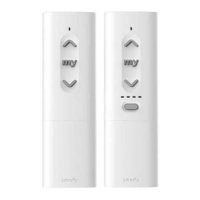
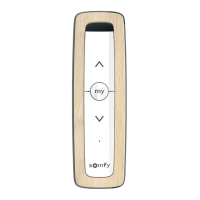
EN Ysia 1 Zigbee Ysia 5 Zigbee
8 Copyright
©
2023 SOMFY ACTIVITES SA. All rights reserved.
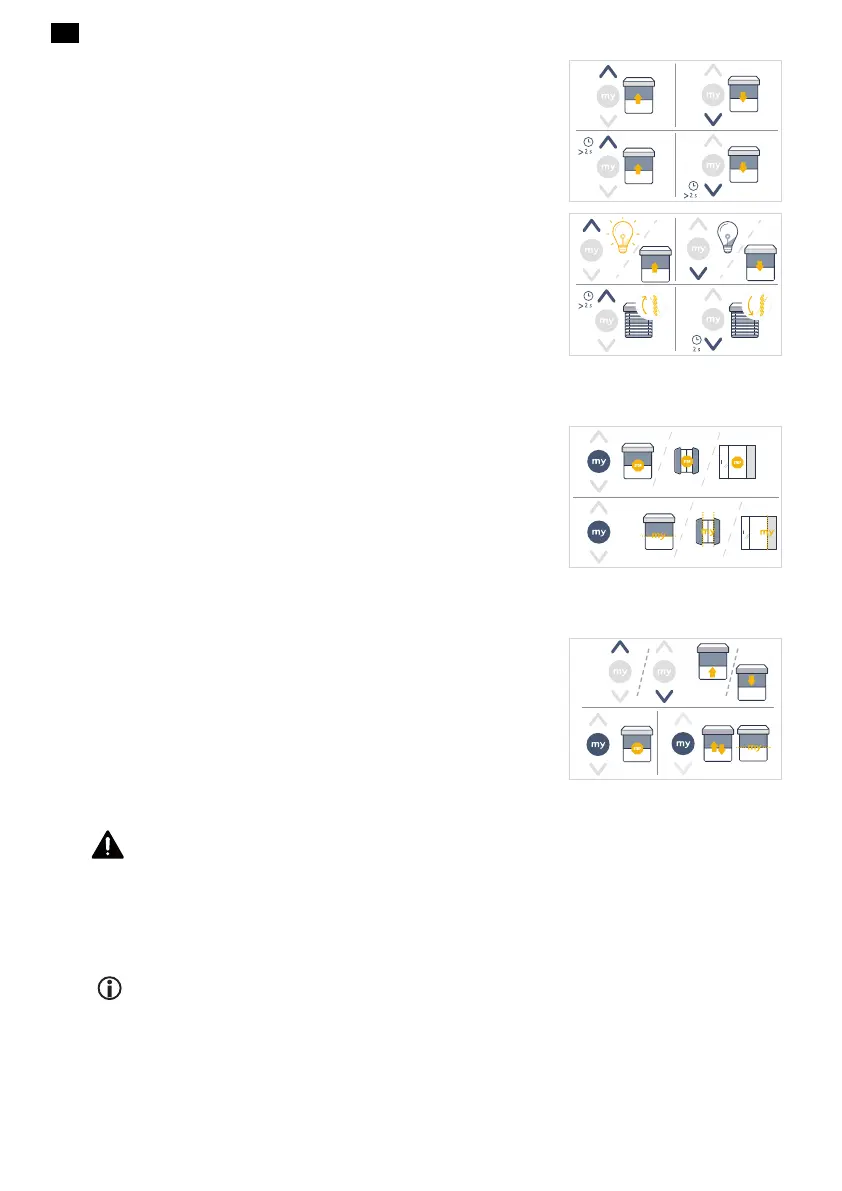
With TaHoma ready:
▪
If the Up or Down button is briefly pressed, the motorised product raises or
lowers.
▪
If the Up or Down button is pressed and held, the motorised product is in
movement until the button is released, then the movement stops.
(Recommended way with venetian blinds to tilt the slats.)
With TaHoma switch:
▪
If the Up or Down button is briefly pressed, the motorised product raises/
opens or lowers/closes. Lights and plugs are switched ON or switched OFF.
▪
With venetian blinds, press and hold the Up or Down button to tilt the slats.
3.2.Stop/my button
▪
Briefly press my to stop the motorised-product from activating.
▪
Briefly press my twice successively to move the motorised product to its
favorite position [see paragraph Saving or modifying the favorite position
(my)].
3.3.Saving or modifying the favorite position (my)
Place the motorised product in the desired position then press my for 5 seconds to
save or to modify the favorite position (my).
3.4.Replacing the batteries
DANGER
Read the Safety instructions document.
Explosion risk if the batteries are replaced by an incorrect type.
Batteries level is only indicated in the TaHoma pro application. When the low batteries
level is displayed, replace the batteries according to the following procedure.
NOTICE
There is no batteries level indicator on the control point.




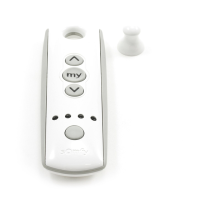
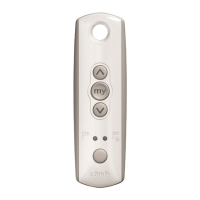
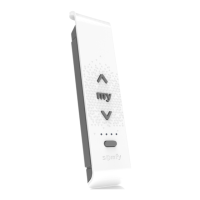

 To Next Page