Information on main system functionalities are given below. For more
information, consult the KI300 Pilot’s Guide referenced in section 1.8.
• Initial Power-on
Upon initial power-on, the unit will display the company logo, battery status and
software version. If the battery is not installed, has failed self-test, or is in a low-
temperature state, the battery life will show 0%.
• Thermal stabilization
On initial power-on, the various internal sensors must thermally stabilize. While
this is occurring, the corresponding indicator area will be covered by a red X and
there is a HEATING message in the center of the display. At room temperature,
this process takes approximately 1 minute. At colder temperatures, this may
take longer.
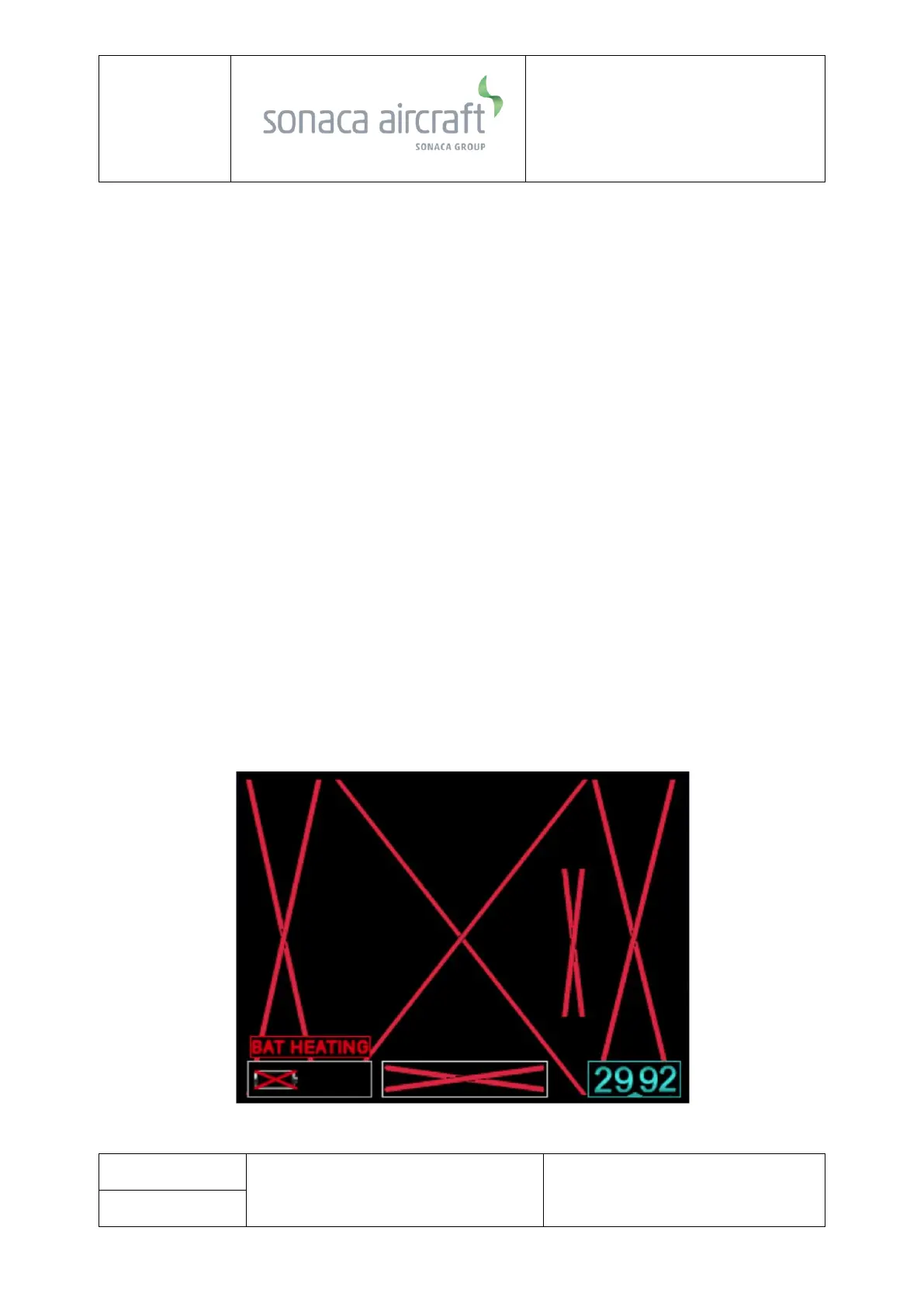
If the ambient temperature is below 10°C, the battery will enter a heating cycle
and the battery status icon will be red-X’ed with a BAT HEATING indication as
follows:



 To Next Page