• Alignment
On power-up, the unit will perform an initial alignment. The aircraft should not
be subjected to taxing or excessive motions during this process. Alignment is not
normally performed during flight.
During alignment, the following message will be presented on the screen:
In the case where an in-flight re-alignment is required, refer to section 3.10.10.
• Brightness adjustment
The screens brightness is either manually or automatically controlled. By default
after power on, the automatic mode is selected. In the automatic mode, the
brightness will be adjusted based on the ambient light detected by the bezel
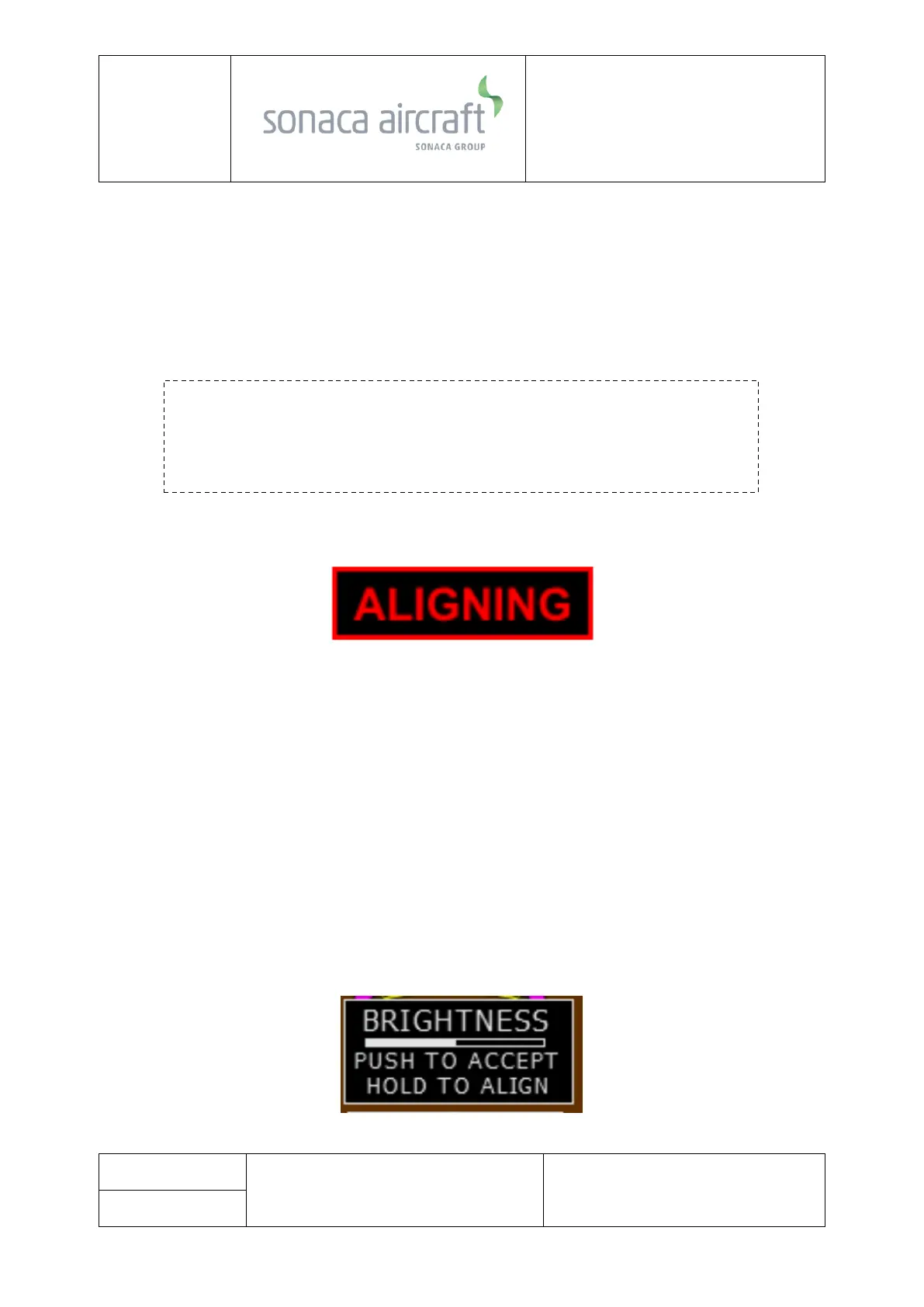
mounted light sensor. Pushing the rotary knob displays the brightness
adjustment menu.
Once displayed, rotating the control knob left or right will place the unit in to
manual mode and increase or decrease the brightness level. Once adjusted,
pushing the knob will clear the menu.



 To Next Page