Type 8221, 8212, 8142 & 8091 HPT
Type 8182 HPT Modems
HPT Variants
UM-8142
Issue B Rev 1
Section 9 – Firmware Update 54
Section 9 – Firmware Update
9.1 Introduction
The USBL transceiver can be updated by installing new versions of the firmware. The Sonardyne
Support Team will inform customers of any required firmware updates.
The USBL transceiver can accept firmware updates via connections made to the ESH/NSH. The
firmware can be updated in two ways:
• Using 6G Terminal Lite software
• Using Marksman and Ranger 2/Mini-Ranger 2 software
The two procedures are described in Sections 9.3 and 9.4.
9.2 Connecting to the USBL Transceiver
See Section 8.3 “Connecting to the USBL Transceiver”.
9.3 Updating USBL Transceiver Firmware using 6G Terminal Lite
9.3.1 Prerequisites
Before updating the firmware, make sure the following is available:
• The new firmware file
• A 6G Terminal Lite software installation
9.3.2 Updating the Firmware
Notes
If using Ethernet device discovery (e.g when connecting to HPT 3000) and the unit cannot be
discovered, the instrument cannot be upgraded until the connection issue is resolved.
If communications do not appear in this window the 6G bootloader can still be started (see the
following step).
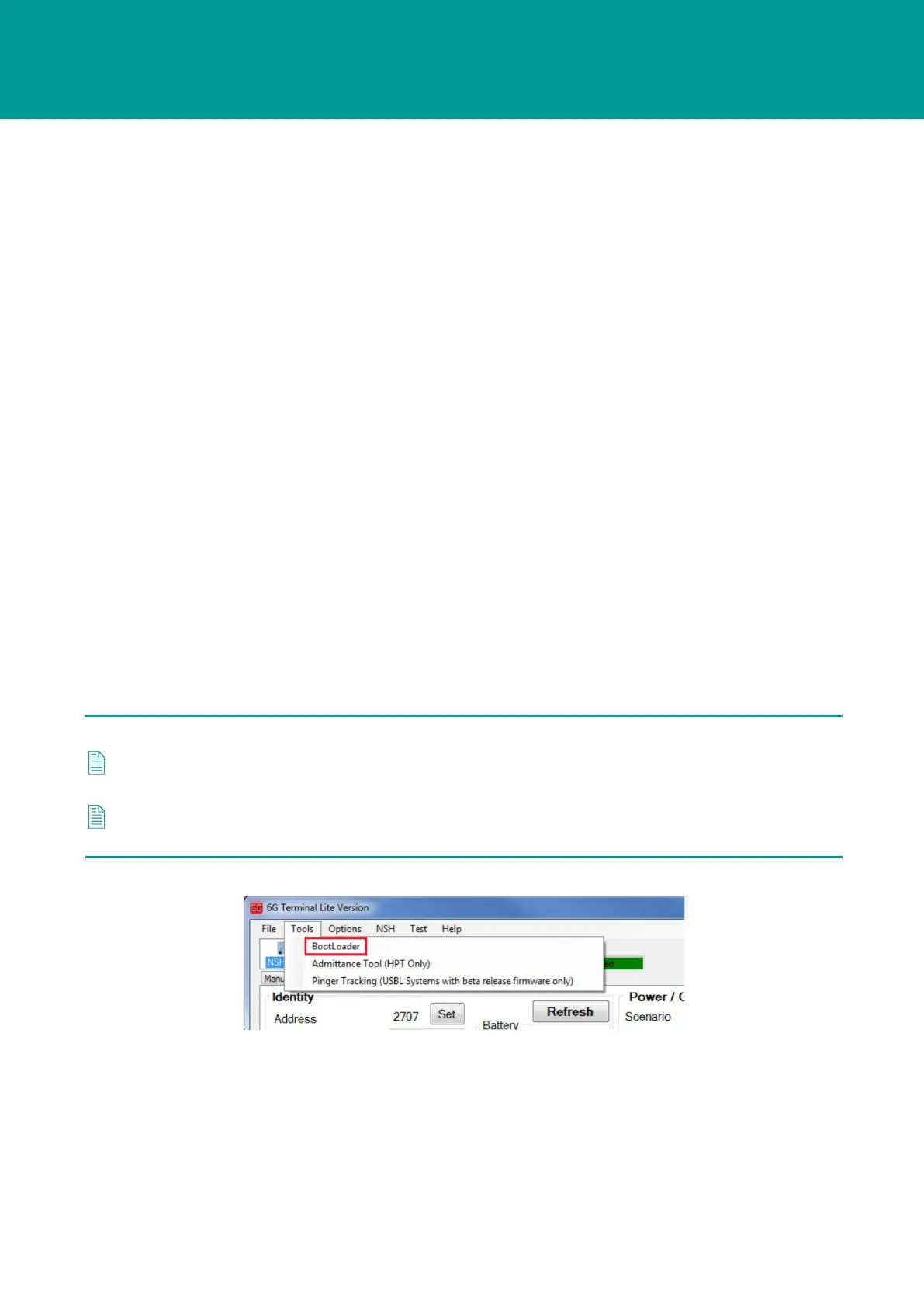
1. On the 6G Terminal Lite dialog box, click Tools > Bootloader.



 To Next Page