SonicWALL NSA 240 Getting Started Guide Page 13
Creating a MySonicWALL Account
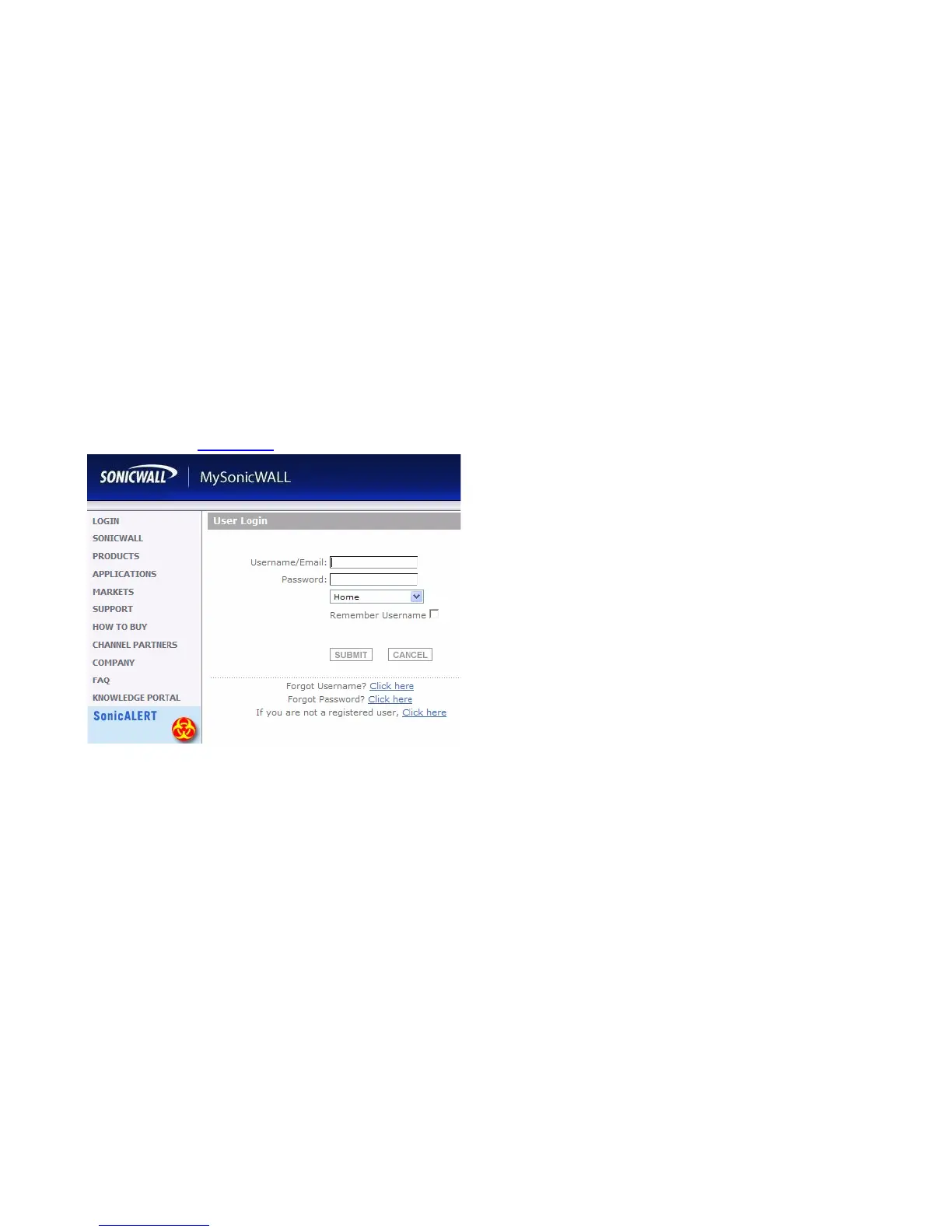
To create a MySonicWALL account, perform the following steps:
1. In your browser, navigate to www.mysonicwall.com.
2. In the login screen, click the link If you are not a
registered user,
Click here.
3. Complete the Registration form and click Register.
4. Verify the information is correct and click Submit.
5. In the screen confirming that your account was created,
click Continue.
Registering and Licensing Your Appliance
on MySonicWALL
This section contains the following subsections:
• Product Registration
- page 13
• Licensing Security Services and Software - page 14
• Registering a Second Appliance as a Backup - page 16
Product Registration
You must register your SonicWALL security appliance on
MySonicWALL to enable full functionality.
1. Login to your MySonicWALL account. If you do not have an
account, you can create one at www.mysonicwall.com.
2. On the main page, type the appliance serial number in
the Register A Product field. Then click Next.
3. On the My Products page, under Add New Product,
type the friendly name for the appliance, select the
Product Group if any, type the authentication code into
the appropriate text boxes, and then click Register.
4. On the Product Survey page, fill in the requested
information and then click Continue.



 To Next Page