Page 18 Insert the WWAN PC Card
Insert the WWAN PC Card
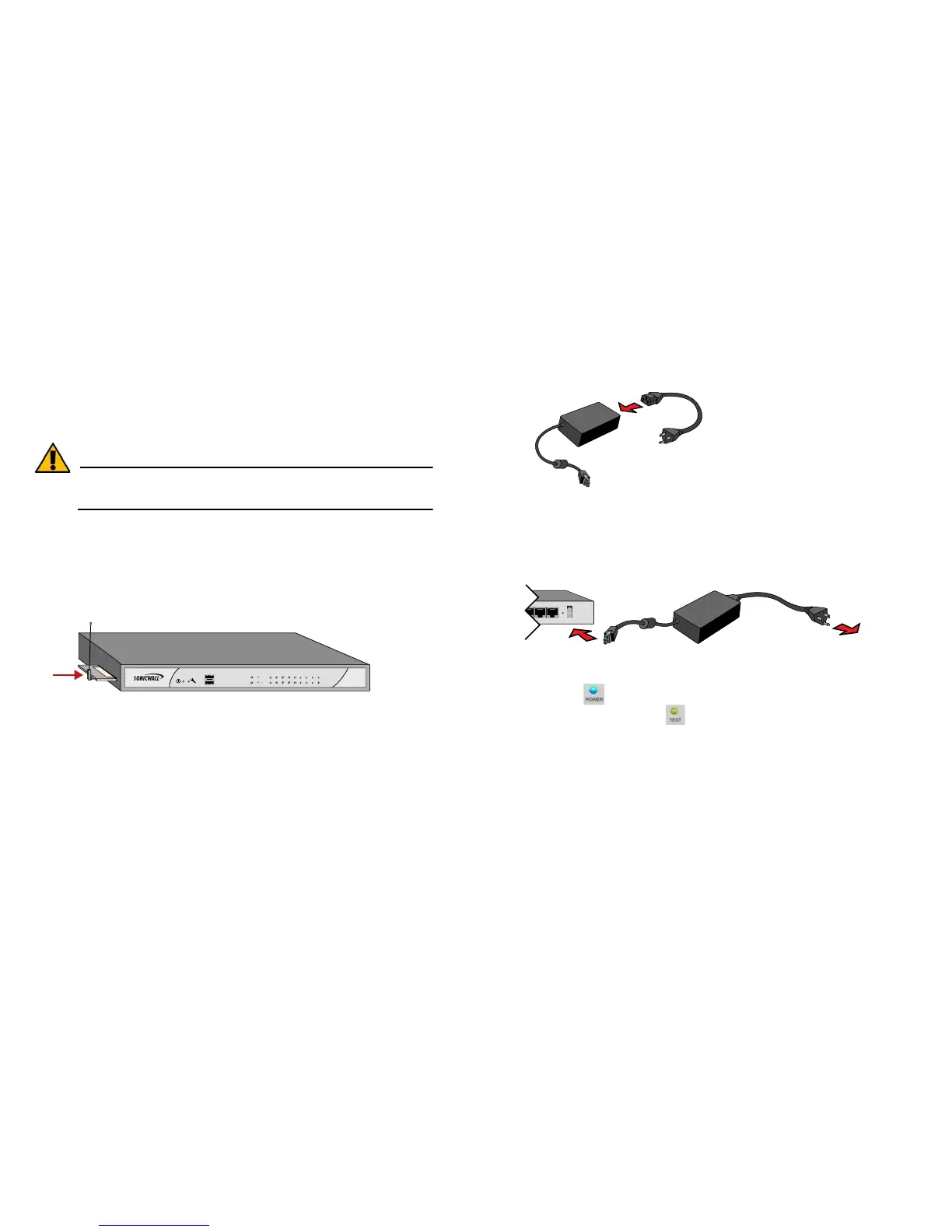
Before inserting the WWAN PC card into your SonicWALL
NSA 240 appliance, be sure your WWAN PC card is activated
and unlocked. If you are not sure whether your card is unlocked
or not, contact the PC card vendor to verify.
Alert: Do not insert or remove the WWAN PC card while the
SonicWALL NSA 240 is powered on.
1. Ensure the SonicWALL NSA 240 is not connected to a
power source.
2. Insert your WWAN PC card “face up” into the PC CARD
slot on the left side of the SonicWALL NSA 240 appliance.
The card should sit firmly in place.
Applying Power
1. Connect the AC plug to the power supply.
2. Plug one end of the power supply to the back of the
SonicWALL NSA 240.
3. Connect the AC plug to an appropriate power outlet.
The Power LED on the front panel lights up blue when you plug in
the SonicWALL NSA. The Test LED will light up and may blink while
the appliance performs a series of diagnostic tests.
When the Power LEDs are lit and the Test LED is no longer lit, the
SonicWALL NSA 240 is ready for configuration. This typically occurs
within a few minutes of applying power to the appliance.
If the Test LED remains lit after the SonicWALL NSA appliance has been
booted, restart the appliance by cycling power.



 To Next Page