SonicWALL NSA 240 Getting Started Guide Page 63
Troubleshooting Diagnostic Tools
SonicOS provides a number of diagnostic tools to help you
maintain your network and troubleshoot problems. Several tools
can be accessed on the System > Diagnostics page, and
others are available on other screens.
This section contains the following subsections:
• Using Packet Capture
- page 63
• Using Ping - page 65
• Using the Active Connections Monitor - page 65
• Using the Log > View Page - page 66
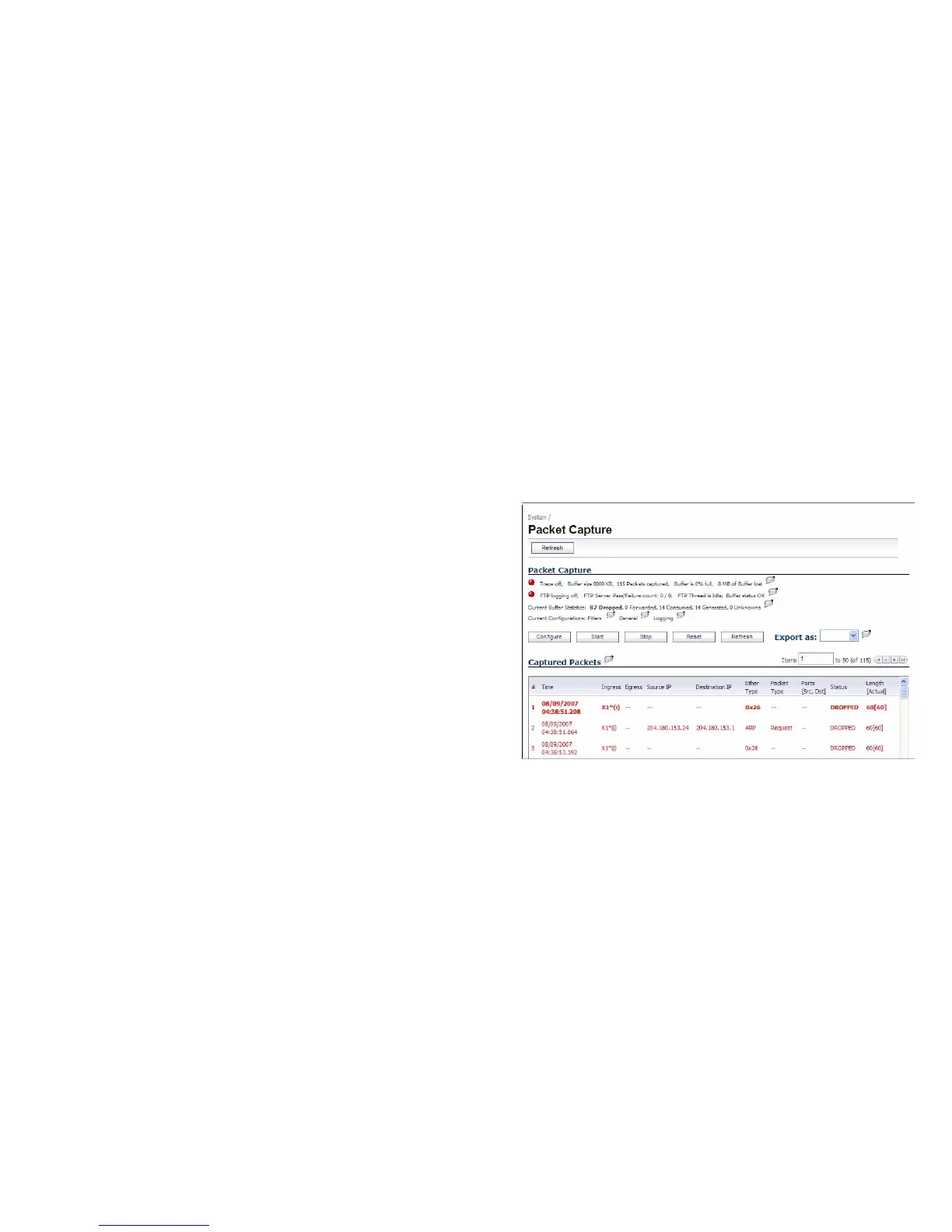
Using Packet Capture
Packet Capture allows you to capture and examine the
contents of individual data packets that traverse your
SonicWALL firewall appliance. The captured packets contain
both data and addressing information. The System > Packet
Capture page provides a way to configure the capture criteria,
display settings and file export settings, and displays the
captured packets.



 To Next Page