Page 38 Managing the WWAN Connection Status
Managing the WWAN Connection Status
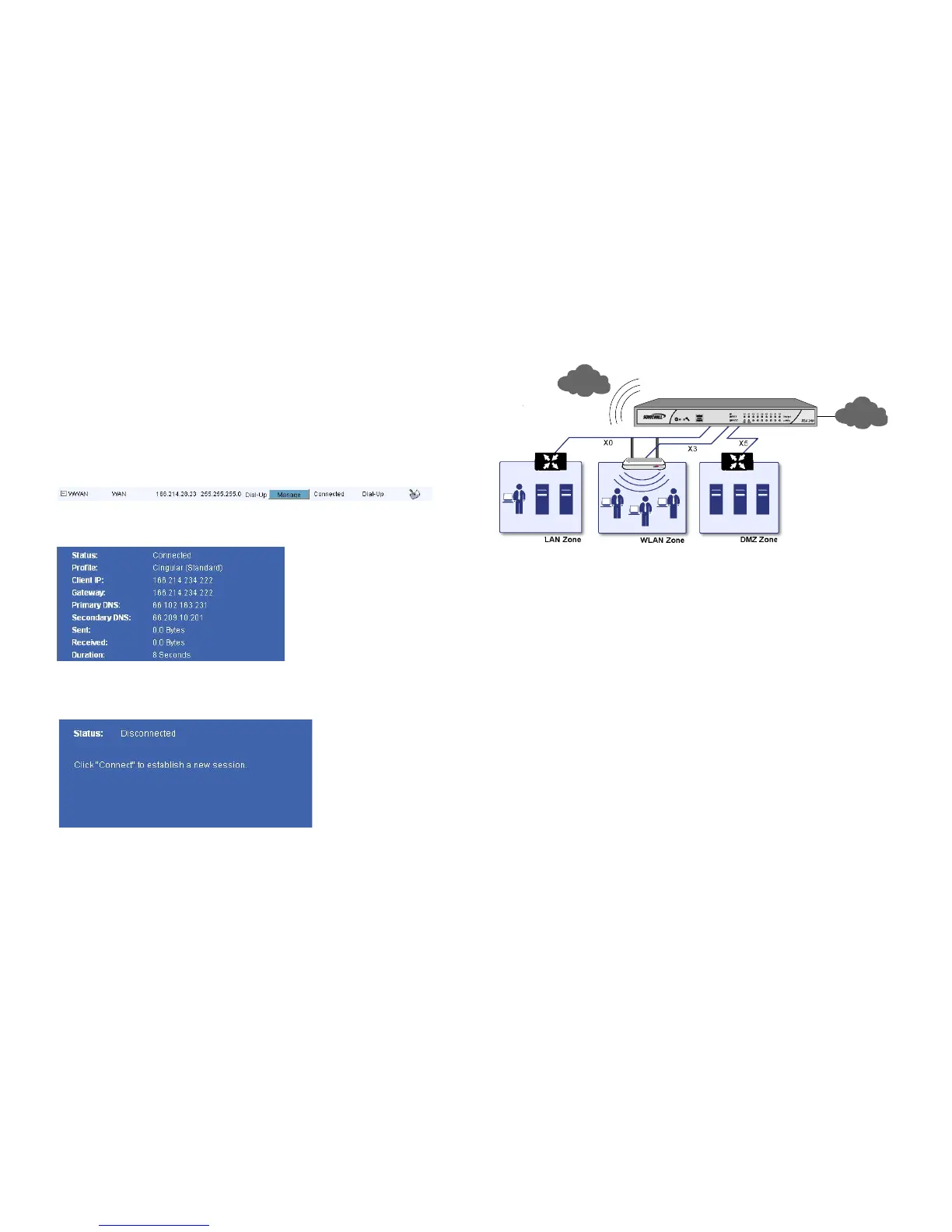
The Connection Manager window allows you to connect,
disconnect, and view current WWAN connection status.
1. In the SonicWALL NSA 240 appliance management
interface, navigate to Network > Interfaces.
2. In the Interface Settings section, under WWAN, click the
Manage button.
3. The Connection Manager windows displays your
connection status.
4. If the Connection Manager shows “disconnected,” click the
Connect button. You will connect to a network if one is
available.
Verifying WWAN Failover Functionality
Complete the following steps to confirm your WWAN Internet
connectivity.
1. Unplug your appliance’s WAN port (if you plugged it in
during the initial setup).
2. Wait a few moments for the NSA 240 to failover to the
WWAN for Internet connectivity. Refer to the front panel of
the appliance to see when the WWAN PC card shows
activity.
3. Launch a Website, such as <http://www.sonicwall.com/>
in a browser, using a computer that is connected to the
SonicWALL NSA 240 appliance and using the SonicWALL
as its sole Internet connection.
If the Website displays, your SonicWALL NSA 240 is
operational and connected to a valid WWAN service provider
account. Remember to plug the WAN back in if you wish to use
WWAN as a failover.



 To Next Page