SonicWALL NSA 240 Getting Started Guide Page 29
Configuring HA License Overview
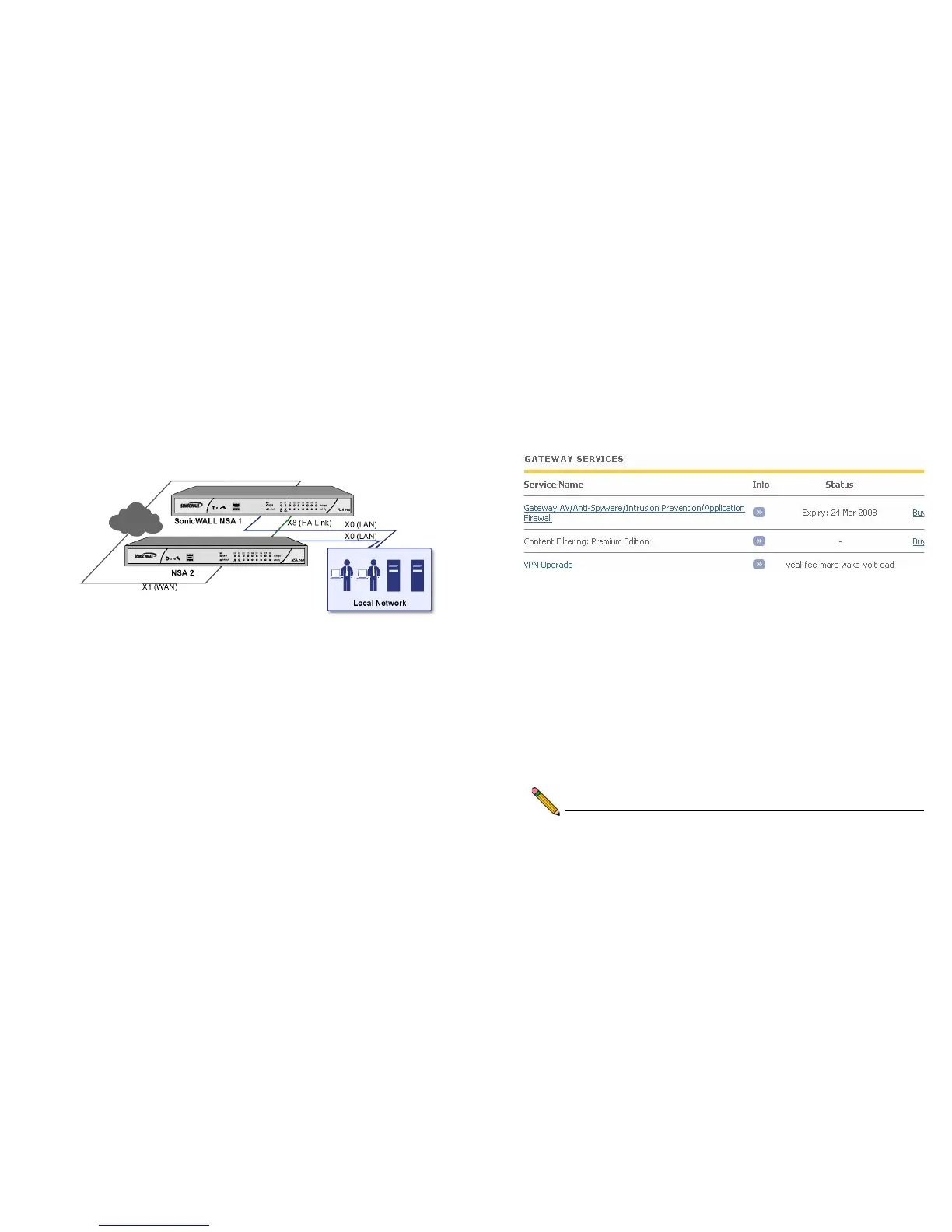
You can configure HA license synchronization by associating
two SonicWALL security appliances as HA Primary and HA
Secondary on MySonicWALL. Note that the Backup appliance
of your HA pair is referred to as the HA Secondary unit on
MySonicWALL.
You must purchase a single set of security services licenses for
the HA Primary appliance. To use Stateful HA, you must first
activate the Stateful High Availability Upgrade license for the
primary unit in SonicOS. This is automatic if your appliance is
connected to the Internet. See Registering and Licensing Your
Appliance on MySonicWALL
- page 13.
License synchronization is used during HA so that the Backup
appliance can maintain the same level of network protection
provided before the failover. To enable HA, you can use the
SonicOS UI to configure your two appliances as a HA pair in
Active/Idle mode.
MySonicWALL provides several methods of associating the two
appliances. You can start by registering a new appliance, and
then choosing an already-registered unit to associate it with.
You can associate two units that are both already registered. Or
you can select a registered unit and then add a new appliance
with which to associate it.
Note: After registering new SonicWALL appliances on
MySonicWALL, you must also register each appliance



 To Next Page