14
5. Operating elements and connections
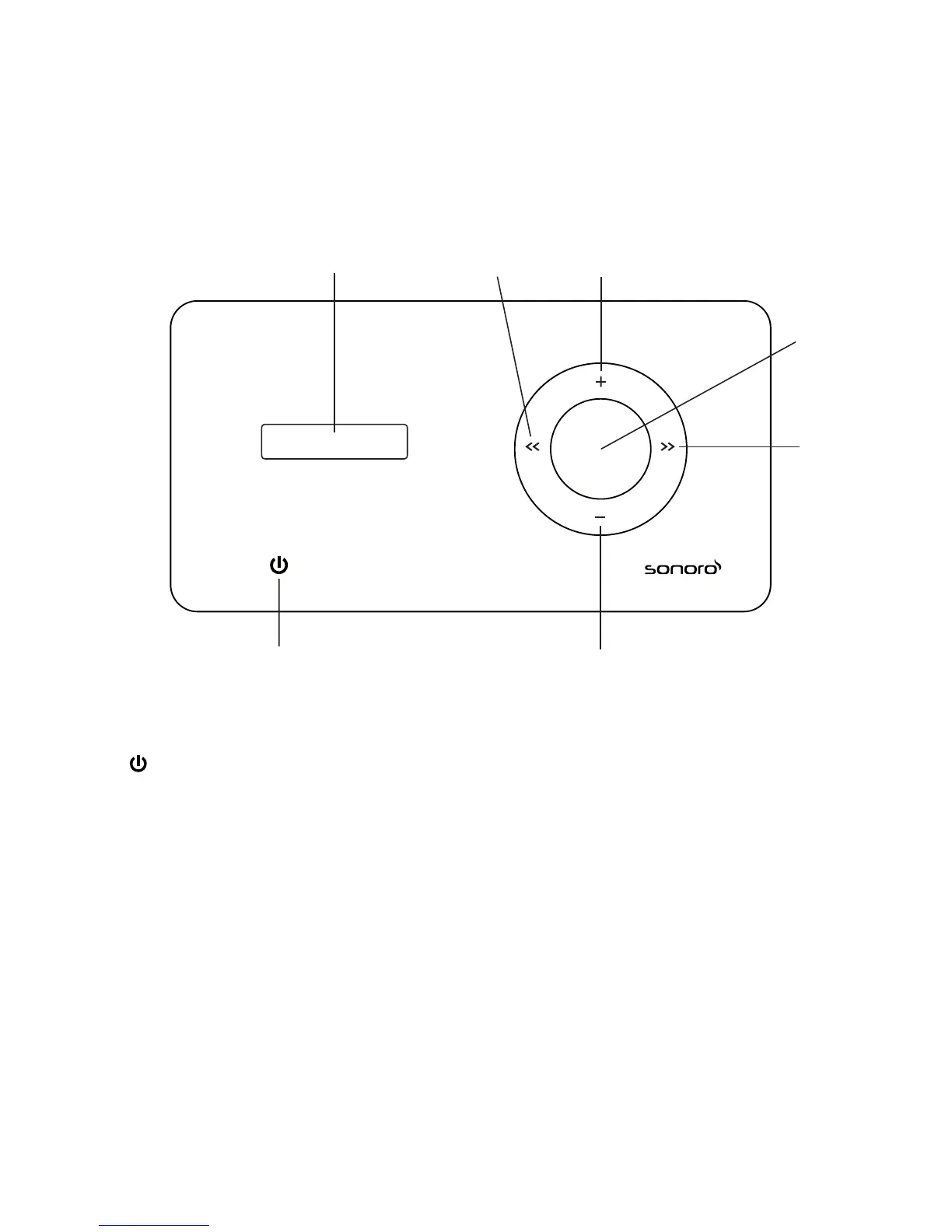
iElements front view:
1 Touchsensor:On/Off,FM/AM/iPod/Aux
2 Display
3 <<(Back) Stationscan,navigation
4 + Increase volume, increase levels
5 - Lower volume, decrease levels
6 Menubutton Activatemenu,conrmentries
7 <<(Forwards) Stationscan,navigation
2 3 4
7
5
6
1



 To Next Page