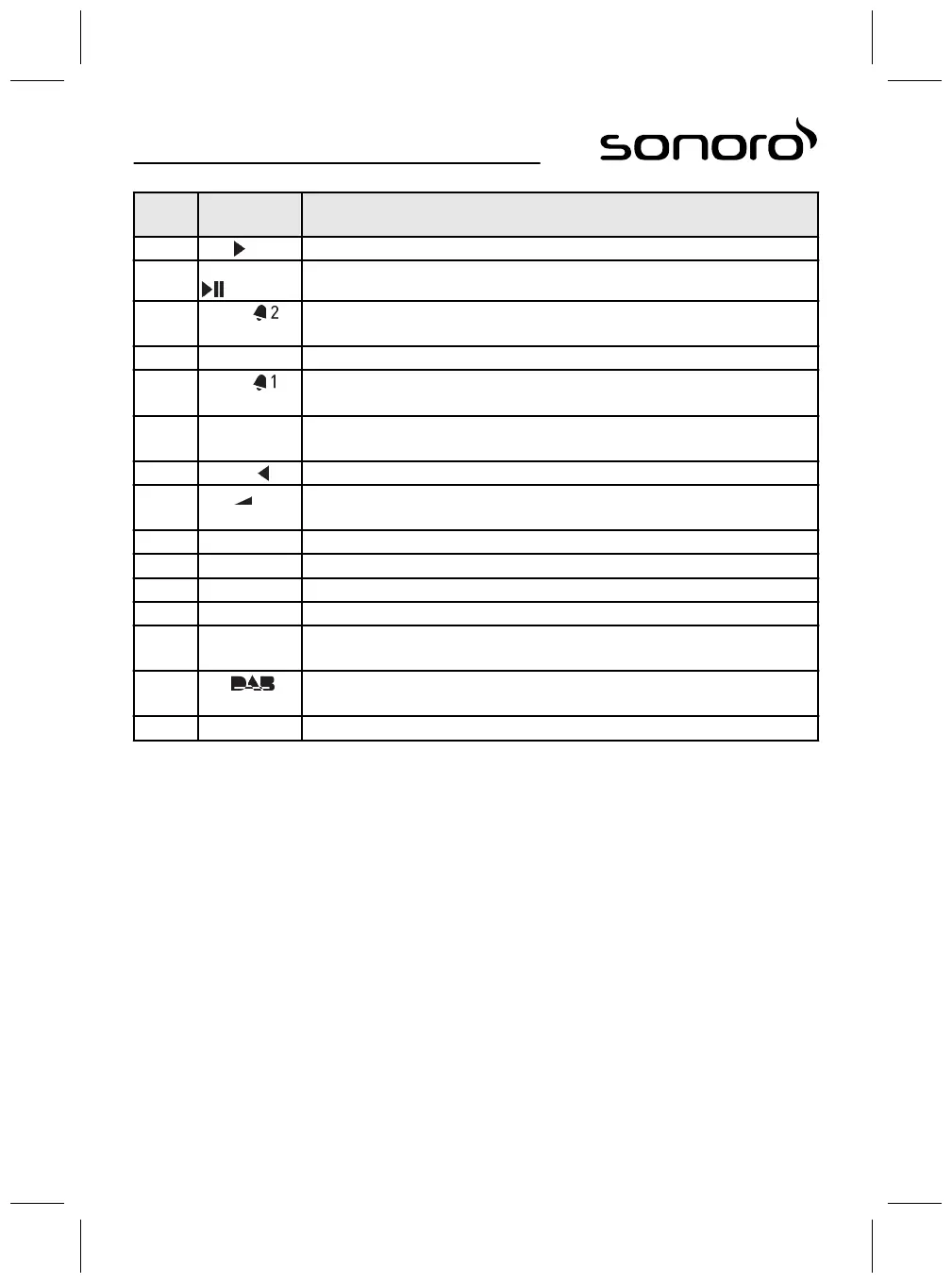
Item
(Fig. 6)
Button Function
8 Next Scan channels and navigate the menus.
9 OK, Play/Pause Confirm the selected settings in the menu. Play or pause the selected track.
10 Alarm 2
n Press: switch Alarm 2 on/off, stop the alarm.
n Press and hold: Set the alarm.
11 Memory 1–6 Station memory.
12 Alarm 1
n Press: switch Alarm 1 on/off, stop the alarm.
n Press and hold: Set the alarm.
13 SLEEP
n Switch the auto disconnect (Sleep Timer) function on/off.
n Press briefly (in Standby mode): The device switches itself on.
14 Previous Scan channels and navigate the menus.
15 VOL -
n All playback modes: decrease the volume.
n In standby: set the brightness of sonoroLIGHT.
16 BASS Adjust the bass.
17 USB Switch USB on/off. Switch between artist and track info (if available).
18 RELAX Switch the stored Relax Music on/off.
19 AUX Switch AUX on/off.
20 FM
n Switch the FM radio on/off.
n Press briefly (in FM mode): switch RDS on/off.
21 DAB
n Switch DAB radio on/off.
n Press briefly (in DAB mode): switch DAB info.
22 SETUP Open the menu.
55



 To Next Page