4. Press the click wheel again.
ð
The automatic full scan is started. After the
search is complete, the device will jump to
the first station on the list.
Automatic tuning
Prerequisite:
n One of the two antennae is connected.
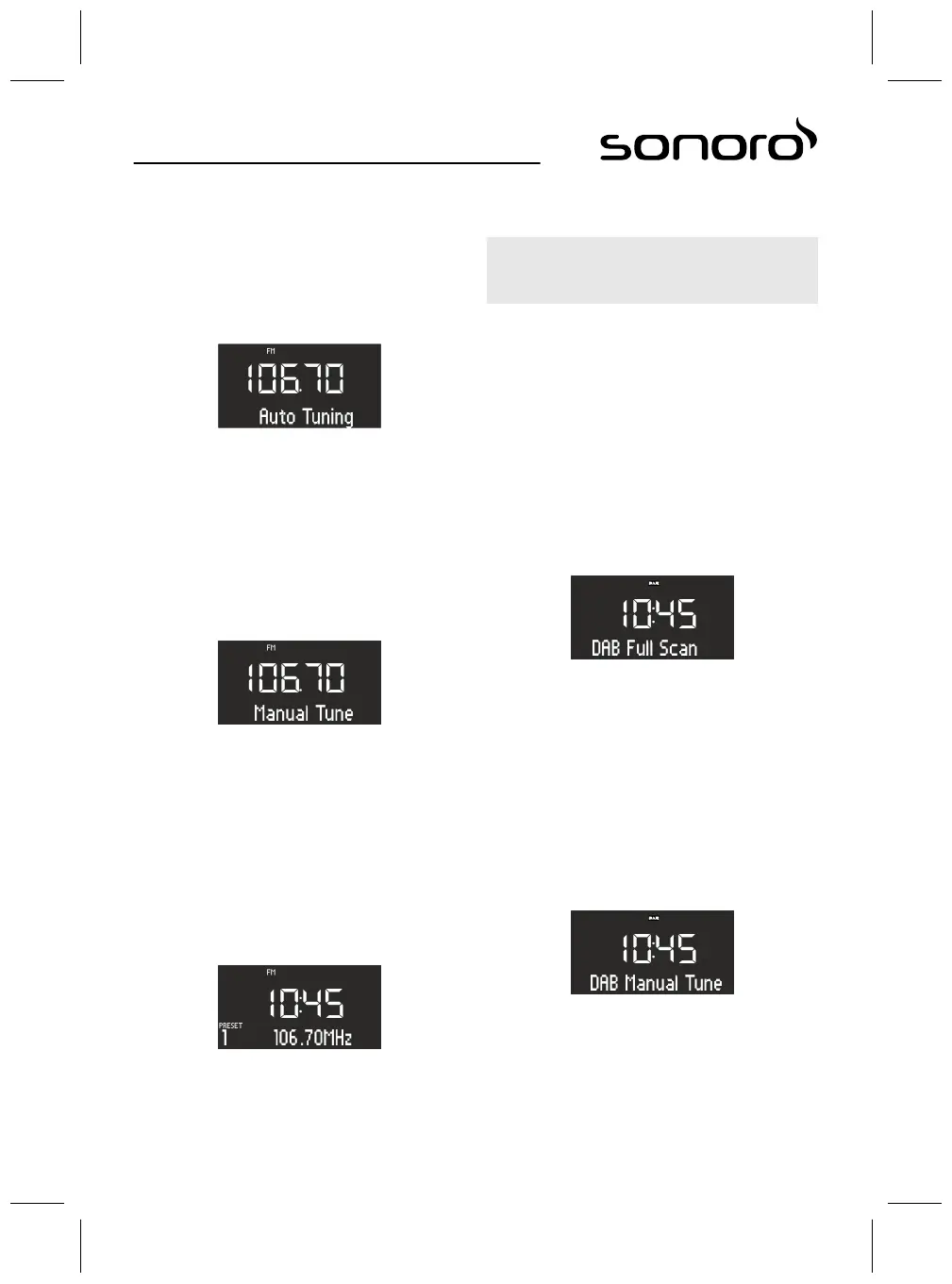
Fig. 38: Automatic tuning
1. Press and hold the [Next] or [Previous] button in
FM playback mode.
ð
The display shows the [Auto Tuning] (Fig. 38)
text. The device will search for available
radio stations and play back the first avail-
able station.
Manual tuning
Prerequisite:
n One of the two antennae is connected.
Fig. 39: Manual tuning
1. Press and hold the click wheel to activate the
manual station search function.
ð
The display shows the [Manual Tune]
(Fig. 39) text.
2. Turn the click wheel or press the [Next] or
[Previous] buttons to change the frequency
range.
3. Press the click wheel to confirm your selection.
Storing FM stations as favourites
Fig. 40: Storing FM stations
1. Set the desired station.
2. Press and hold one of the station preset buttons
on top of the device or the remote control.
ð
The display shows the station preset
number.
i
You can save up to 6 FM stations as favourites.
Retrieving saved FM stations from the favour-
ites
1. Briefly press one of the station preset buttons
1–6 on top of the device or the remote control.
ð
The selected station is played.
11.2 DAB radio
Finding DAB stations
Automatic tuning
Prerequisite:
n One of the two antennae is connected.
Fig. 41: Automatically finding DAB stations
1. Press the [SETUP] button in DAB playback mode.
ð
The display shows the [DAB Full Scan] text
(Fig. 41).
2. Press the click wheel on the device or the [OK]
button on the remote control to activate.
ð
The device will search for available radio sta-
tions and play back the first available station.
Manual tuning
Prerequisite:
n One of the two antennae is connected.
Fig. 42: Manually finding DAB stations
1. Press the [SETUP] button in DAB playback mode.
2. Press the [Next] button.
ð
The display shows the [DAB Manual Tune]
text (Fig. 42).
3. Press the click wheel on the device or the [OK]
button on the remote control.
67



 To Next Page