i
The MP3 and WMA formats can be played.
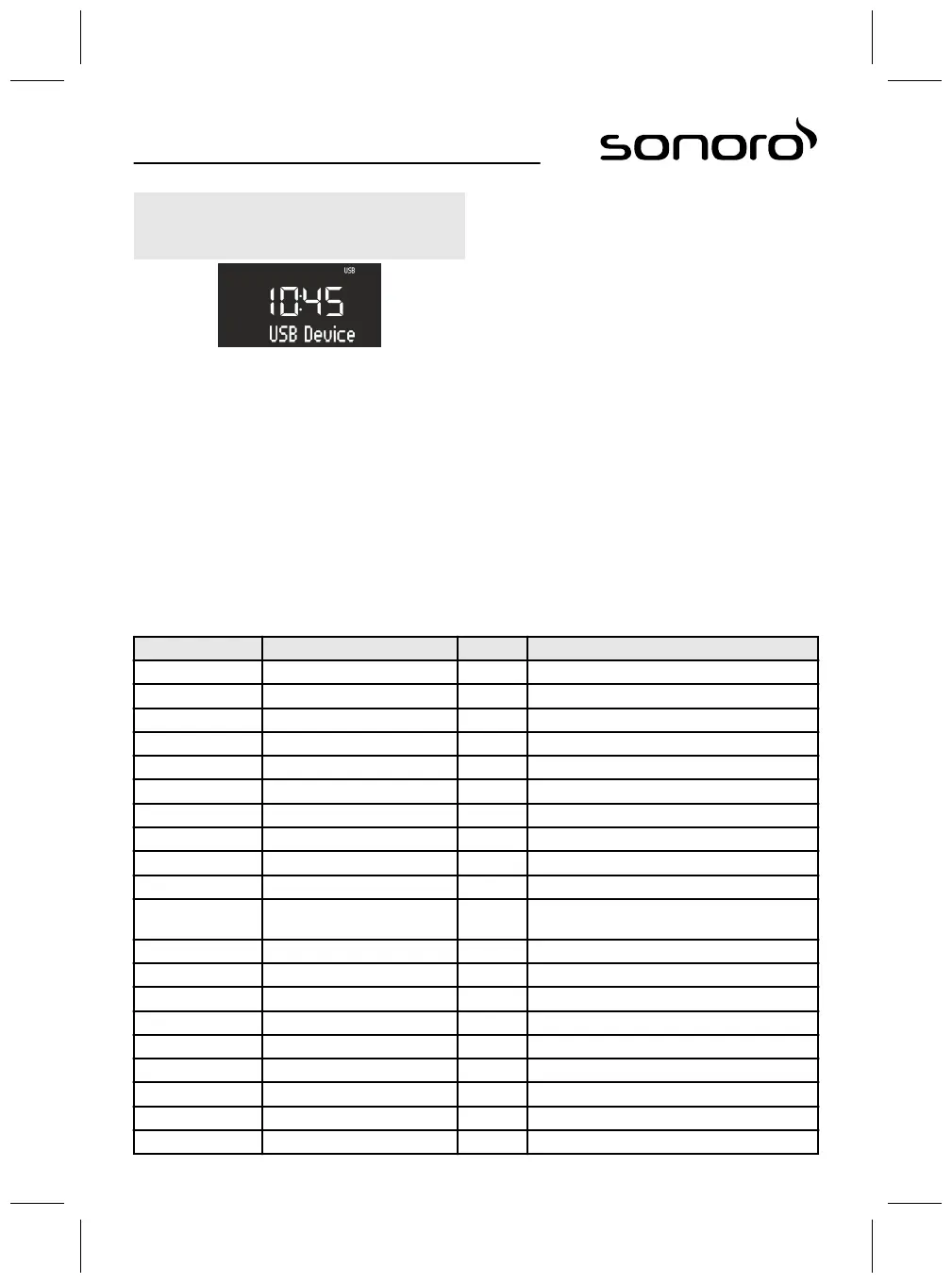
Fig. 50: Set USB playback
1. Switch on the device.
2. Press the [MENU] button and select [USB] mode
or press the [USB] button on the remote control.
ð
The display shows the [USB] symbol (Fig. 50).
3. Connect an external USB device.
ð
The display shows the text [Search].
4. Press the [Play/Pause] button to commence
playback.
Other functions
n To interrupt (pause) playback, press the
[Play/Pause] button or the click wheel.
n To continue playback, press the [Play/Pause]
button or the click wheel.
n To switch to the next track, press the [Next] button
once.
n To switch to the previous track, press the
[Previous] button once.
n To stop playback, press the [Stop] button.
n By pressing the [USB] button on the remote con-
trol, you can view the ID3 metadata, if available.
The sequence for this is:
‘track è artist è album è elapsed time’
n Press the [Memory 2] button to select the next
MP3 folder.
n Press the [Memory 1] button to select the previous
MP3 folder.
16 Relaxation and meditation music
The device can offer language-specific relaxation and meditation music, which is sorted into various folders.
Language Folder Track Name
German 1 – Kurzentspannung 1 Einleitung Kurzentspannung
2 Entspannung durch längeres Ausatmen
3 Entspannung durch Spüren der Gegensätze
4 Entspannung durch Da-Sein
5 Entspannung durch Stressabgeben
6 Entspannung durch Loslassen
7 Entspannung durch Spüren Ihres Pulses
2 – Meditative Entspannung 1 Einleitung
2 Meditative Atementspannung
3 Meditative Achtsamkeitsentspannung
3 – Progressive Muskelent-
spannung
1 Einleitung
2 Progressive Muskelentspannung
4 – Fantasiereisen 1 Einleitung
2 Fantasiereise Strand & Wärme
3 Fantasiereise Universum
5 – Entspannungsmusik 1 Einleitung Musik
2 Entspannungsmusik 1
3 Entspannungsmusik 2
4 Entspannungsmusik 3
5 Entspannungsmusik 4
71



 To Next Page