8.6 Switching the light on and off
You can switch a connected lamp on and off (only in
conjunction with sonoroLIGHT).
1. Ensure that sonoroLIGHT is connected and that
its dimmer function is switched on.
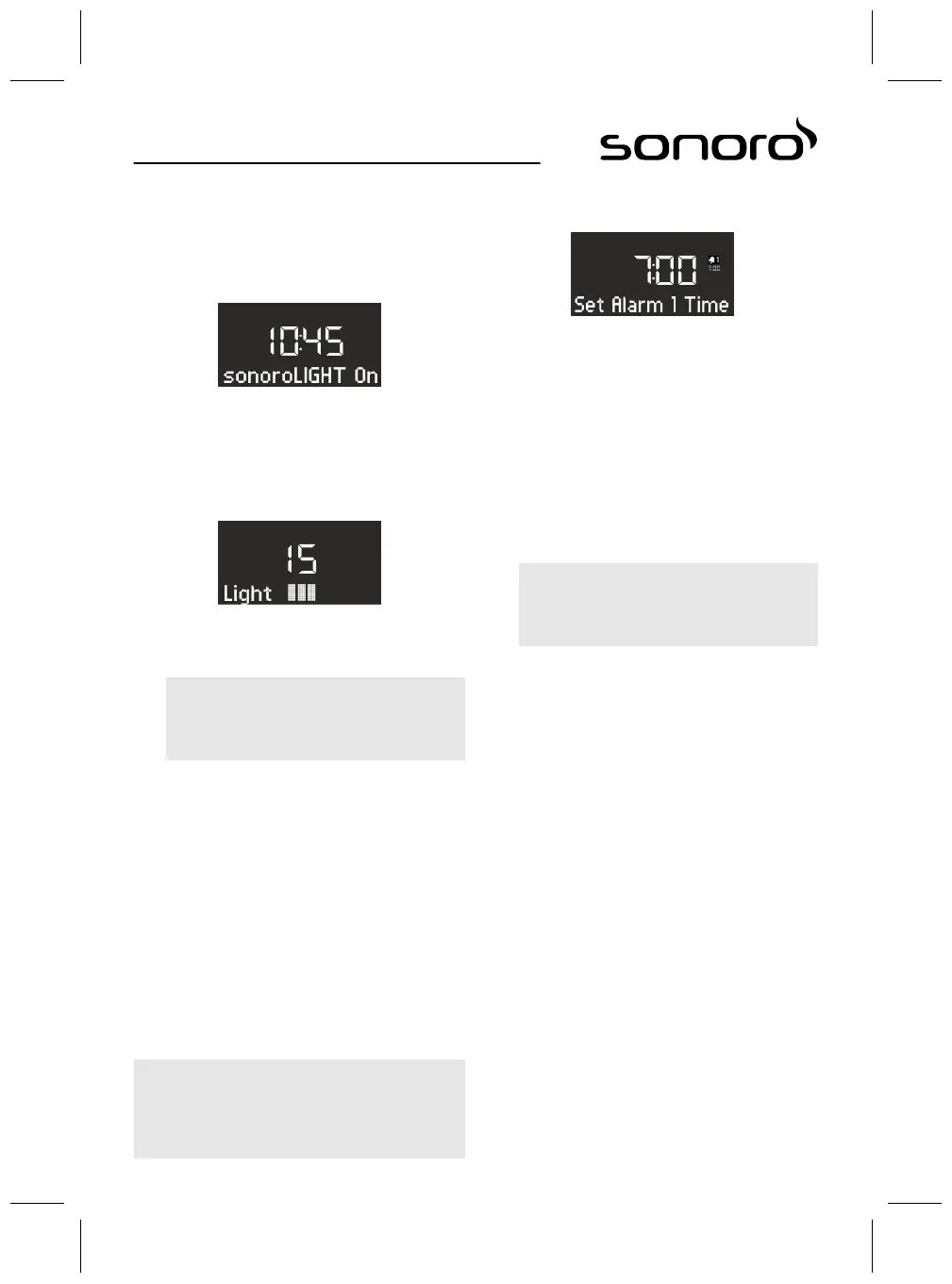
Fig. 26: Switching on the light
2. Press the [Light] button on the device or the
remote control.
ð
The light is switched on (brightness level 8)
and the display shows the
text[sonoroLIGHT On] (Fig. 26).
Fig. 27: Setting the brightness
3. Turn the click wheel within 4 seconds to set the
brightness of the light (level 00 to 32, Fig. 27).
i
If the device is turned off, you can wait
longer.
4. Press the [Light] button again to switch the light
off.
If the device is turned off, you can turn the click
wheel directly to switch the light on and set the
brightness.
9 Alarm function
You can use the device to wake up with FM/DAB
radio, CD, Relax Music or alarm ringtones. The alarm
functions can also be set in the device’s Standby
mode.
The alarm setup menu is structured as follows:
‘Set the Alarm Time è Set the Alarm Source
è Set the Alarm Volume è Set the Alarm Repetition
è End’
i
If you do not press any buttons for approx.
10 seconds when setting the alarm, the setting is
terminated without saving it.
9.1 Setting the alarm time
Fig. 28: Setting Alarm 1
1. Keep the [Alarm 1] or [Alarm 2] button pressed.
ð
The display shows the [Set Alarm 1] (Fig. 28)
or [Set Alarm 2] menu.
2. Turn the click wheel to set the hours.
3. Press the click wheel to confirm the entry.
ð
The minute display flashes.
4. Turn the click wheel to set the minutes.
5. Press the click wheel to confirm the entry.
i
Use the [Next ] or [Previous] button to switch
between the hours and minutes display.
ð
The alarm time is set.
63



 To Next Page