4. Press the [Next] or [Previous] button, or turn the
click wheel to scroll through the individual sta-
tions.
5. Press the click wheel to confirm your selection.
Removing inactive stations – Prune list
If the DAB station list created using the DAB full scan
function is out of date (e.g. after a change of
address), you can remove inactive stations automati-
cally.
Fig. 43: Deleting inactive DAB stations
1.
Press the [SETUP] button in DAB playback mode.
ð
The display shows the [DAB Full Scan] text.
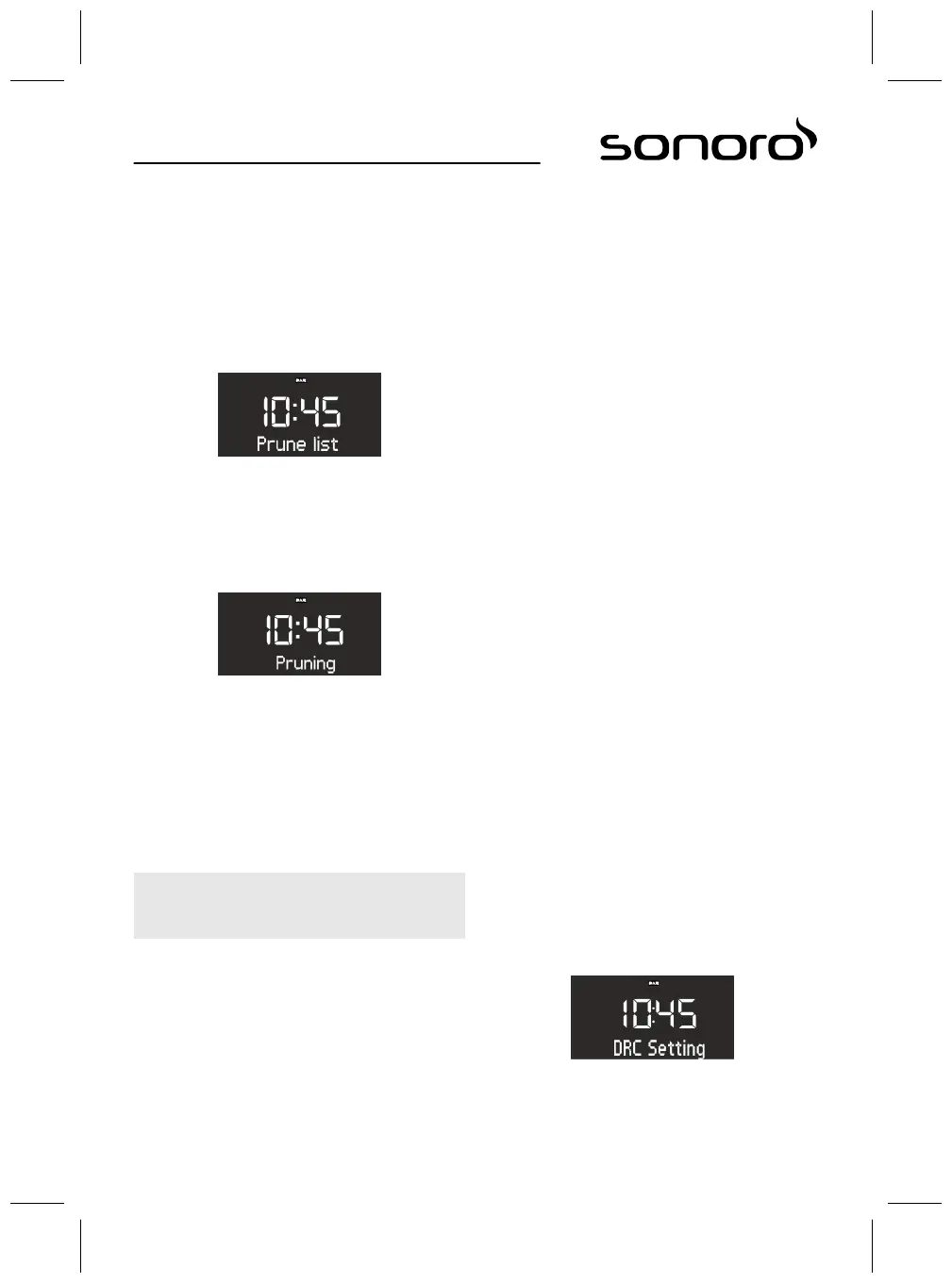
2. Turn the click wheel until the display shows
[Prune list] (Fig. 43).
Fig. 44: Pruning
3. Press the click wheel to confirm your selection.
ð
Inactive DAB stations are deleted. In the
meantime, [Pruning] is displayed (Fig. 44).
Storing DAB stations as favourites
1. To store a DAB station as a favourite, proceed as
described in
Ä
Chapter 11.1 ‘FM radio’
on page 66.
i
You can store up to 6 DAB stations as favourites.
Retrieving saved DAB stations from favourites
1. To retrieve a DAB station that has been stored
as a favourite, proceed as described in
Ä
Chapter 11.1 ‘FM radio’ on page 66.
ð
The selected station is played.
Retrieving DAB info
In DAB playback mode, you can call up information on
the station, programme, etc. The information is dis-
played in the following order:
n Station name (starting point)
n Broadcaster
n DLS ("Dynamic Label Service”, programme-related
information, such as artist, track, etc.)
n Programme type (e. g. sport)
n Station frequency
n Signal quality
Prerequisite:
n The device is in DAB playback mode. The display
shows the station name.
1. To retrieve the different DAB information, press
the [STOP] button on the device or the [DAB]
button on the remote control.
ð
The display shows the [Broadcaster] text.
2. Press the [Stop] button again.
ð
The display shows the [DLS] text.
3. Proceed accordingly to retrieve the remaining
DAB information.
Setting the DRC
DRC ("Dynamic Range Compression") is used to com-
press the loudness level in pieces of music to allow
for a uniform loudness level. Very loud and very quiet
passages are equalised.
3 different settings are available:
n DRC HIGH: high degree of compression
n DRC LOW: low degree of compression
n DRC OFF: no compression
Prerequisite:
n The device is in DAB mode.
1. Press the [SETUP] button.
ð
The display shows the [DAB Full Scan] text.
Fig. 45: Setting the DRC
2. Press the [Next] button until the [DRC Setting]
text is displayed.
68



 To Next Page