24 25
Program control
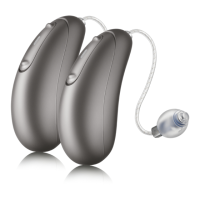
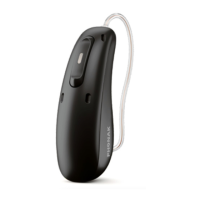
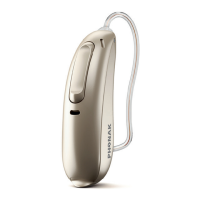
Each time you push the upper part of the button
on either hearing aid for longer than 2 seconds,
you will move to the next hearing aid program.
Your hearing aids beep to indicate which
program you are in.
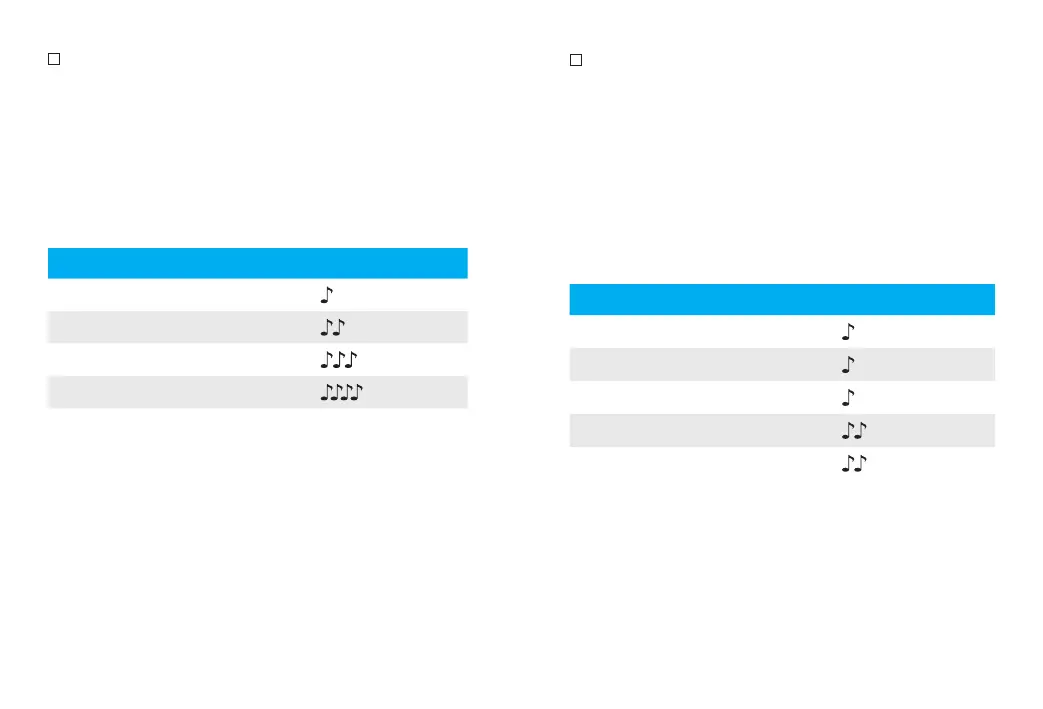
Program setting Beeps
Program 1 (e.g. automatic program) 1 beep
Program 2 (e.g. speech in noise) 2 beeps
Program 3 (e.g. Telephone) 3 beeps
Program 4 (e.g. music) 4 beeps
Please see the front of this booklet for a listing
of your personalized programs.
Volume control
To adjust the volume of your environment:
• Push the upper part of the hearing aid
button to increase the volume, and
• Push the lower part of the hearing aid
button to decrease the volume
As you change the volume, your hearing aids
will beep.
Volume setting Beeps
Suggested volume level 1 beep
Turning volume up short beep
Turning volume down short beep
Maximum volume level 2 beeps
Minimum volume level 2 beeps




 To Next Page