28 29
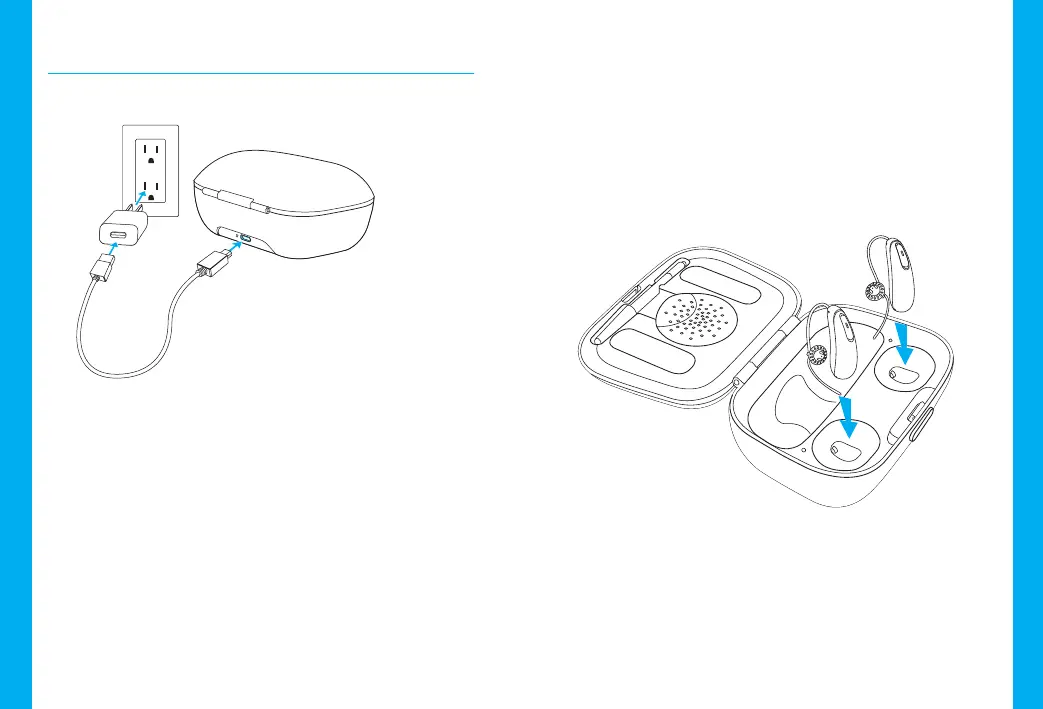
2) Insert the hearing aids
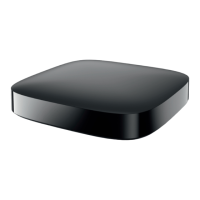
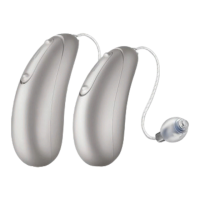
Insert the hearing aids into the charging slots.
Make sure the le and right hearing aid
markings match the le (blue)/right (red)
indicators next to the charging slots. The hearing
aids will automatically switch o when inserted
into the charger.
Charging your hearing aids
1) Connecting the power supply
a) Plug the larger end of the charging cable into
the power supply.
b) Plug the smaller end into the micro-USB port
on the charger.
c) Plug the power supply into a power outlet.
d) The indicator light is green when the charger
is connected to the power supply.
a
b
d
c




 To Next Page