2 3
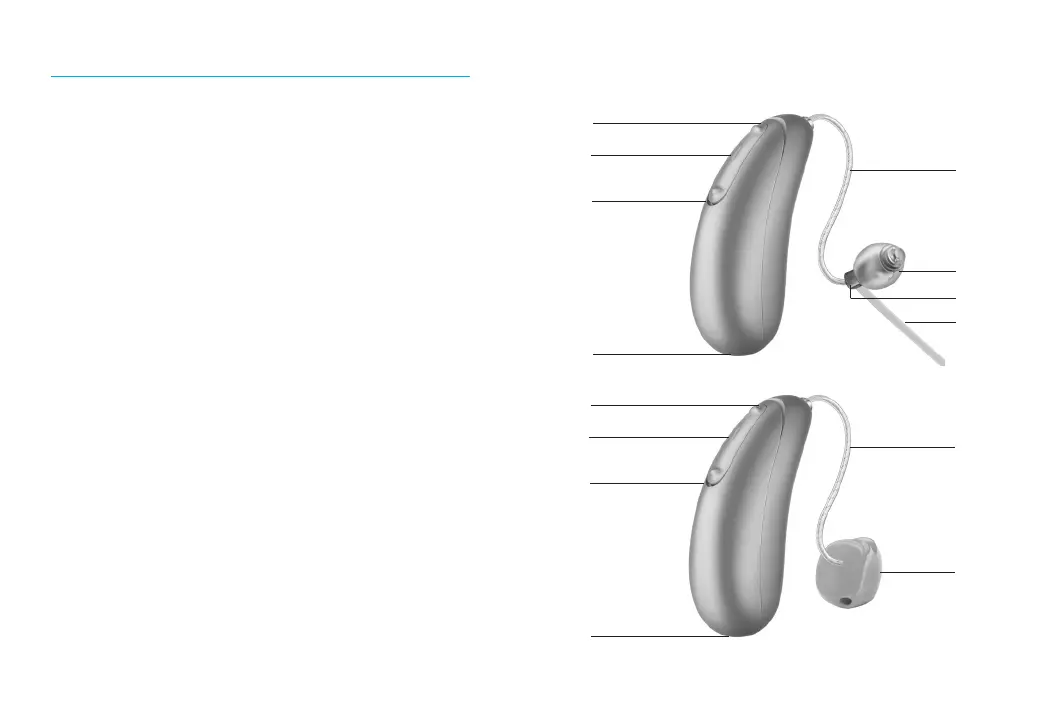
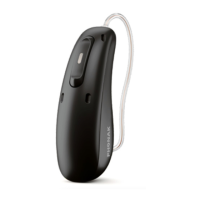
Your hearing aids at a glance
1 Multi-function button with indicator light -
switches between listening programs, changes
the volume level, and accepts or rejects mobile
phone calls depending on your customized
tting
2 Wire - connects the speaker unit to your
hearingaids
3 Microphones - sound enters your hearingaids
through the microphones
4 Charging contacts
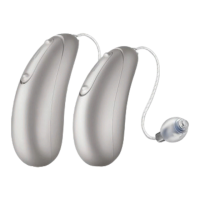
5 Dome - holds the speaker unit in place in your
ear canal
6 Speaker unit - amplies the sound and sends it
directly into the ear canal
7 Retention piece - helps prevent the dome and
speaker unit from moving out of the ear canal
8 Custom mold - holds the hearing aids in place
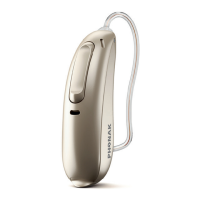
DX Moxi Jump R T / DX Moxi Move R
BTE hearing aids
3
3
1
7
2
8
2
5
4
6
3
3
1
4




 To Next Page