22 23
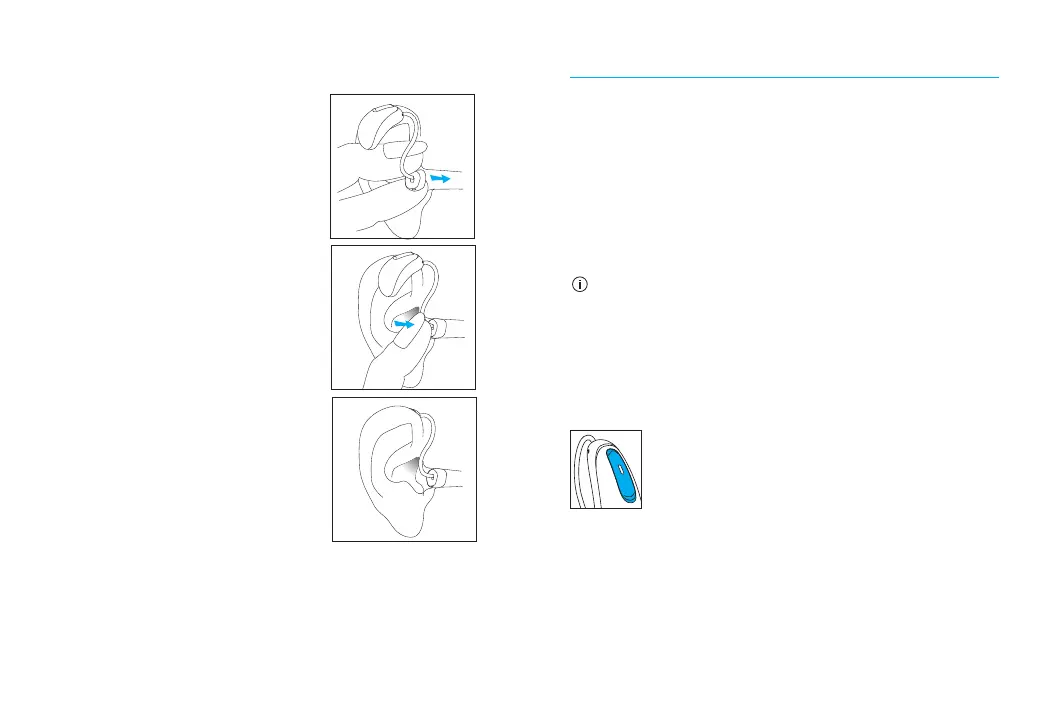
Hearing aids with custom molds
1. Hold the custom mold
between your thumb and
index nger. The opening
should be pointing in
towards your ear canal
with the hearing aid
resting above your ear.
2. Carefully insert the
custom mold into your
ear. The mold should t
into your ear snugly and
comfortably.
3. Place the hearing aid over
the top of your ear.
1.
2.
3.
Operating instructions
Your hearing aids come with a multi-function
button that allows you to further adjust them.
You may also use the multi-function button to
accept and reject calls to your paired mobile
phone. You may also use the optional Remote
Control or Remote Plus app to control your
hearing aids.
These instructions describe the default
multi-function button settings. Your hearing
care professional may change the functionality
of the buttons. See your hearing care
professional for more information.
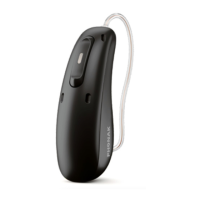
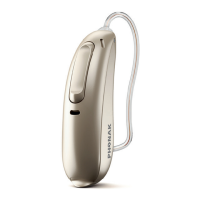
Multi-function button
The multi-function button on your
hearing aids can be both a volume
control and a program control.





 To Next Page