Help Guide
Interchangeable Lens Digital Camera
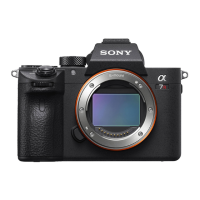
ILCE-7RM3A α7RIII
Touch Operation
Sets whether or not to activate touch operations on the monitor.
Menu item details
On:
Activates the touch operation.
Off:
Deactivates the touch operation.
Related Topic
Touch Focus
Touch Pad Settings
Touch Panel/Pad
5-026-816-11(1) Copyright 2021 Sony Corporation
MENU →
(Setup) → [Touch Operation] → desired setting.
1


 To Next Page