Help Guide
Interchangeable Lens Digital Camera
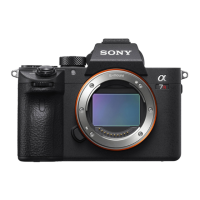
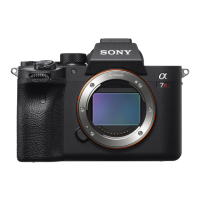
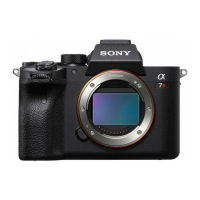
ILCE-7RM3A α7RIII
USB Connection
Selects the USB connection method when this product is connected to a computer, etc.
Select MENU →
(Network) → [Ctrl w/ Smartphone] → [Ctrl w/ Smartphone] → [Off] beforehand.
Menu item details
Auto:
Establishes a Mass Storage or MTP connection automatically, depending on the computer or other USB devices to be
connected.
Mass Storage:
Establishes a Mass Storage connection between this product, a computer, and other USB devices.
MTP:
Establishes an MTP connection between this product, a computer, and other USB devices.
The memory card in memory card slot 1 is the connection target.
PC Remote:
Uses Imaging Edge Desktop to control the product from a computer, including such functions as shooting and storing
images on the computer.
Note
It may take some time to make the connection between this product and a computer when [USB Connection] is set to [Auto].
Related Topic
PC Remote Settings: Still Img. Save Dest.
PC Remote Settings: RAW+J PC Save Img
5-026-816-11(1) Copyright 2021 Sony Corporation
MENU →
(Setup) → [USB Connection] → desired setting.
1


 To Next Page