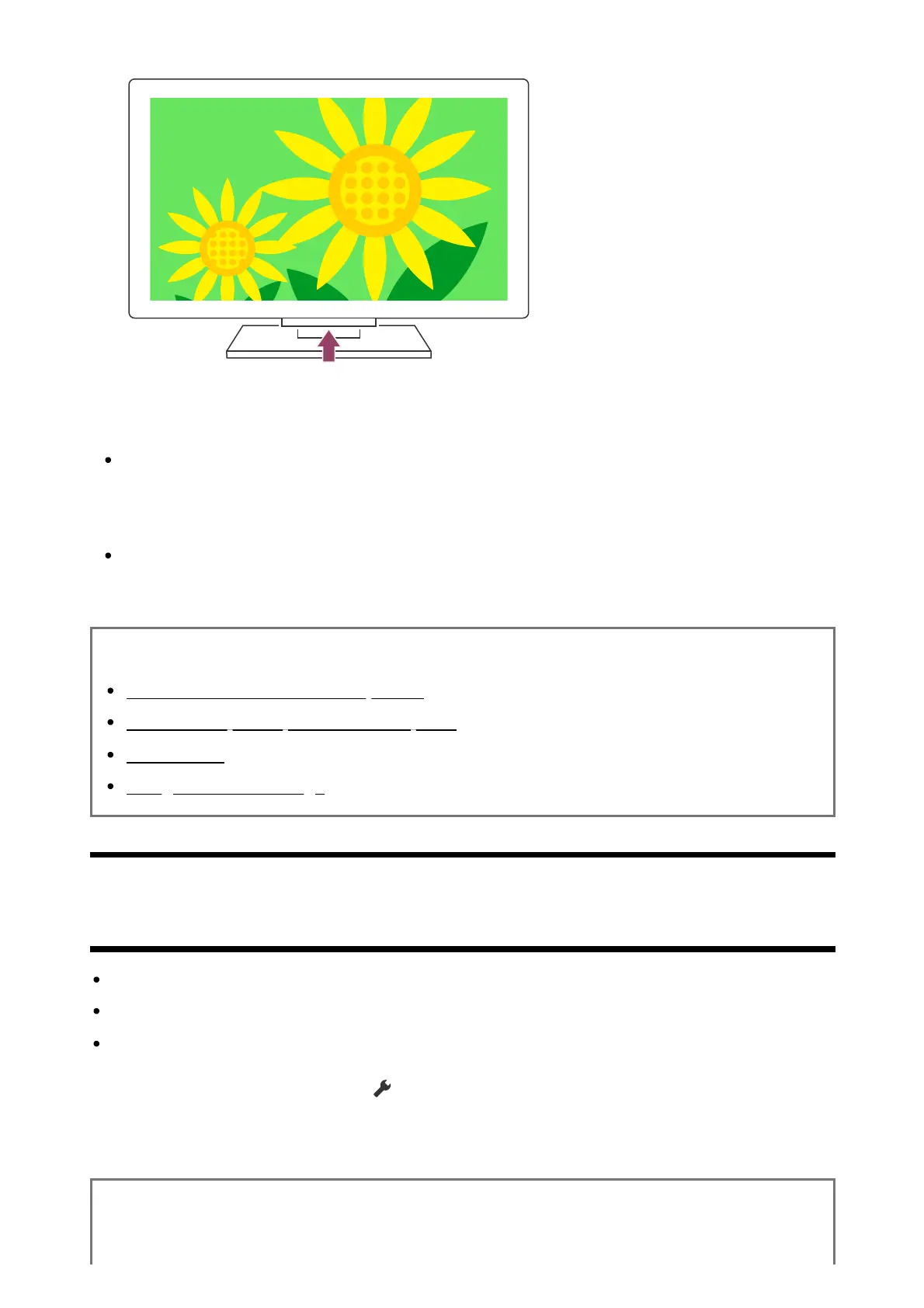
Example of model with the power button under the LED
Hint
For TV models with 1 button on the TV (power button only), you can press the power
button on the TV to display the operation menu and adjust the volume or change
channels.
When the battery level of the remote control is low, you will see a notification on the
HOME menu.
Related topics
The remote control does not operate.
If a full reset (restart) of the TV is required
Home menu
Using the Quick Settings
[139] Power | Power
The TV turns off automatically.
The screen may have been turned off due to [Sleep timer] settings.
Check the [Duration] setting of [On timer].
If the time set in [Turn off TV after] elapses, the power turns off automatically.
To check the settings, press the (Quick Settings) button on the remote control and
select the following in order.
[Settings] — [System] — [Power and energy] — [Energy saver] — [Turn off TV after]
Related topics













 To Next Page