When [On], the picture and sound quality is adjusted for the currently selected video input or
app. When [Off], the picture and sound quality is adjusted for all inputs and apps.
Prioritise HDMI signal information
Automatically sets the content type based on the Content Type information in the HDMI signal.
If it does not set automatically, set this [Off].
Audio output
Configure to output sound from headphones or an audio system instead of the TV speakers.
Press the (Quick Settings) button on the remote control, then select the following settings.
[Settings] — [Display & Sound] — [Audio output] the desired setting.
You can configure settings such as those below.
Speakers
Select TV or external speakers.
Bluetooth/Headphones
Select the wired headphones or Bluetooth device connected to the TV for audio output.
Audio system settings
Sets output to devices connected via HDMI or optical audio out.
Acoustic Center Sync
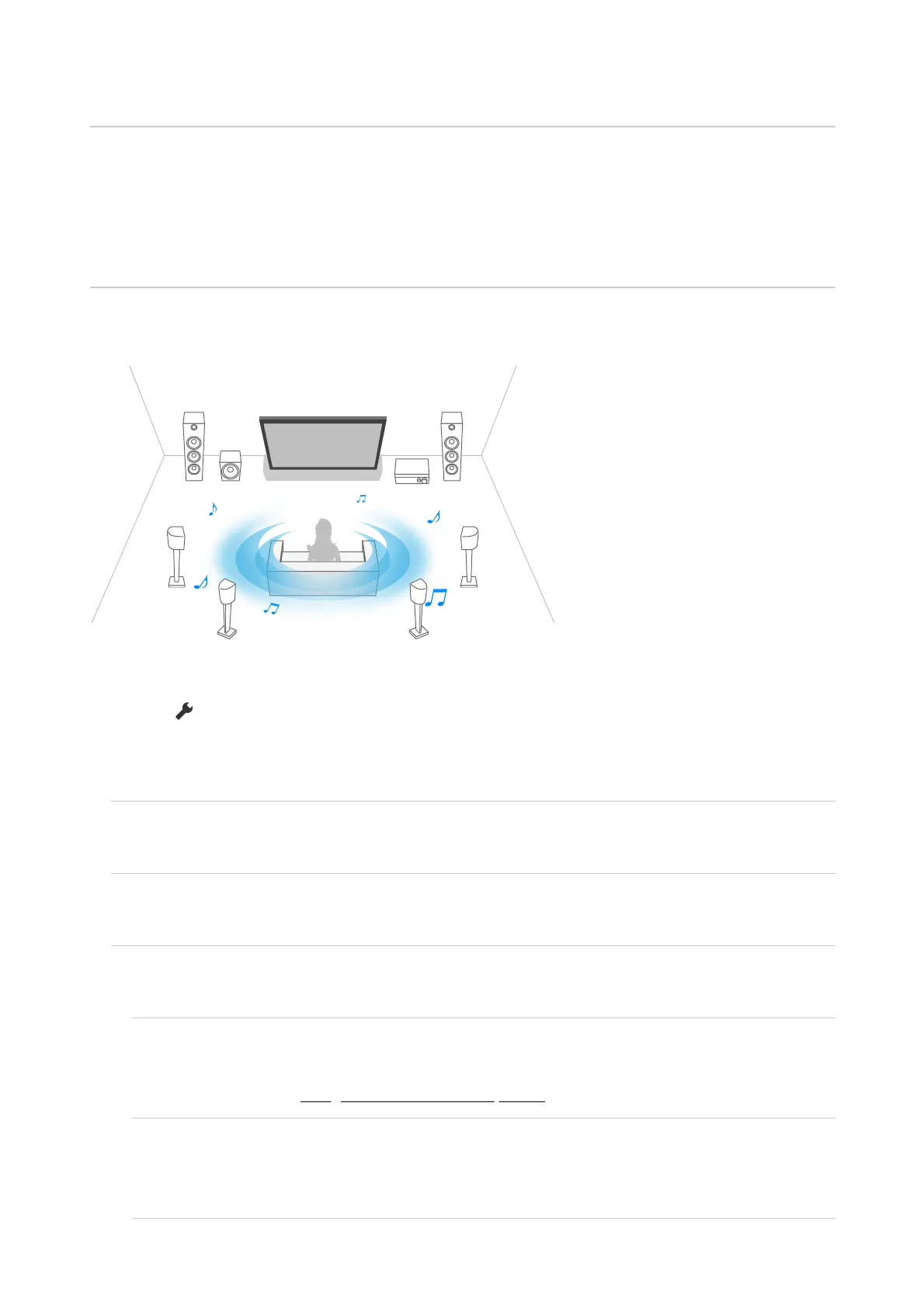
Use the TV speakers as the centre speaker of the home theatre system.
For details, refer to Using the TV as a centre speaker.
Audio system prioritisation
When enabled, this automatically switches the audio output to a BRAVIA Sync-compatible
audio system when the TV is turned on.
A/V sync













 To Next Page