1
2
1
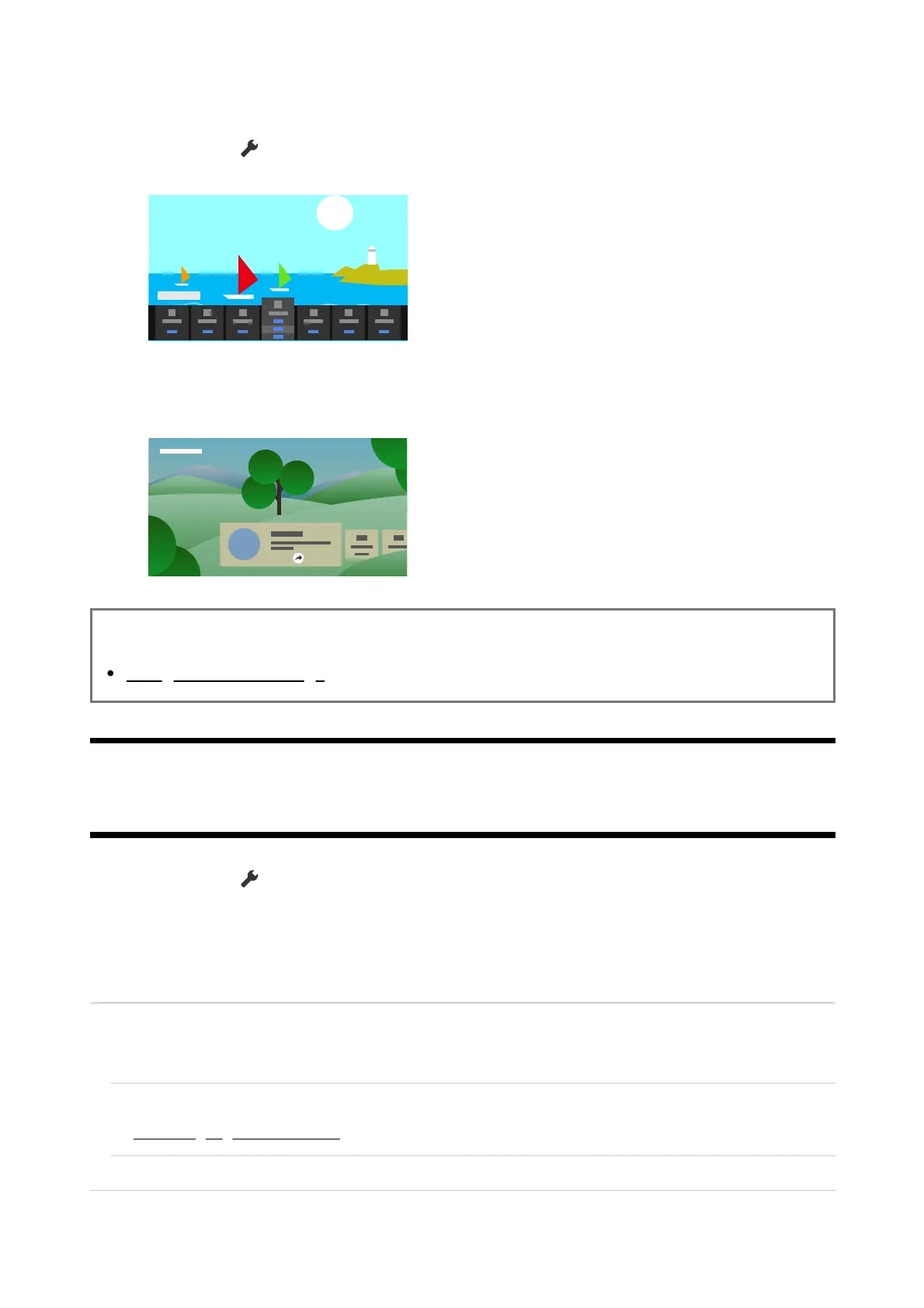
You can configure various settings to reduce power consumption, such as Power saving.
You can also check descriptions for features while setting them.
Press the (Quick Settings) button on the remote control, and select [Eco
Dashboard].
In the displayed menu, move the focus left or right and select the desired
setting.
Related topics
Using the Quick Settings
[92] Settings
Channels & Inputs
Press the (Quick Settings) button on the remote control, then select
[Settings] — [Channels & Inputs] — the desired option.
Available options
[Channels]
Configures the settings related to receiving broadcast programming.
To tune digital channels
Receiving digital broadcasts
To sort channels or edit the channel list
[Preferences (Channels)]













 To Next Page