on-screen instructions to setup Apple HomeKit.
Available operations vary depending on the version of the app and software.
If you select [On (Powered on by apps)] in [Remote start], you can turn on the TV with
apps on a mobile device such as an iPhone or iPad.
Note
Google TV setup and an Internet connection are required to use AirPlay.
Operation of a mobile device such as iPhone or iPad varies depending on the OS
version.
Related topics
Connecting to a network using a LAN cable
Using Wi-Fi to connect the TV to the Internet/Network
[54] Using the TV with Other Devices
Computers, cameras, and camcorders
Connecting a computer and viewing stored content
Connecting a camera or camcorder and viewing stored content
Computer video signal specifications
[55] Computers, cameras, and camcorders | Computers, cameras, and camcorders
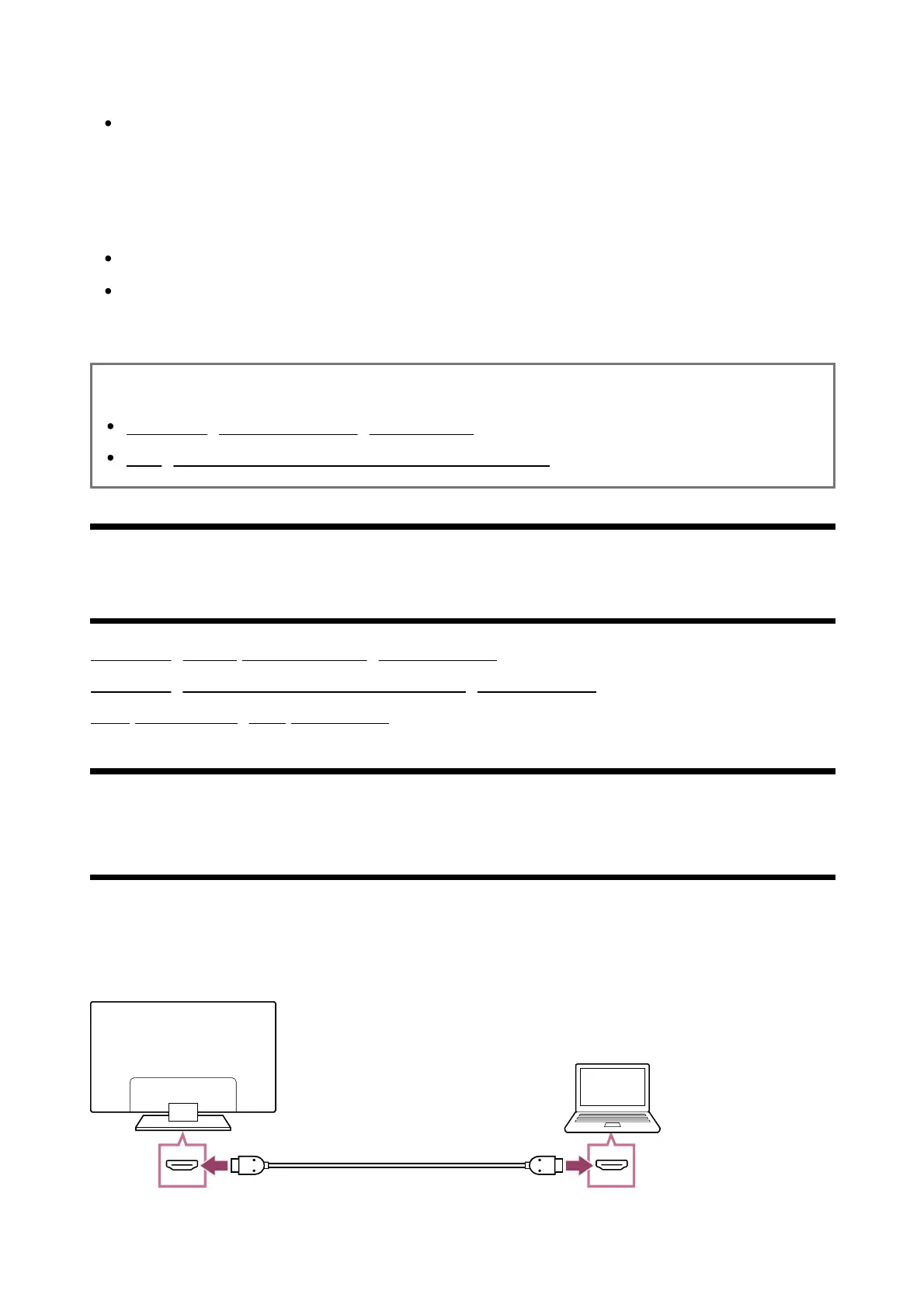
Connecting a computer and viewing stored content
To connect a computer
Use an HDMI cable to connect your computer to the TV.













 To Next Page