Using interactive broadcast TV services
[22] Watching TV programmes | Watching TV programmes
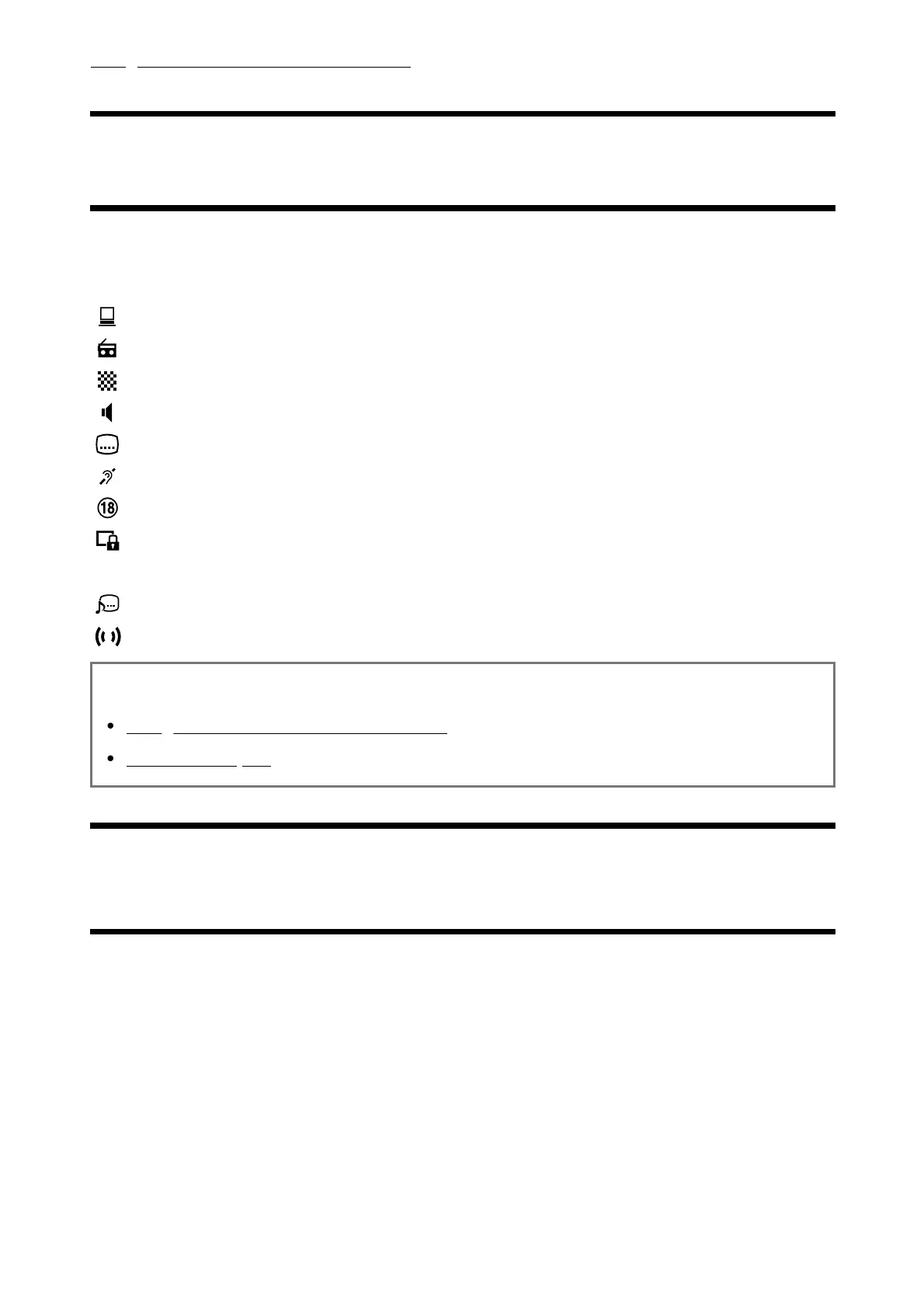
Understanding the information banner icons
When changing the channel, an information banner appears briefly. The following icons may
appear in the banner.
:Data service (Broadcast application)
:Radio service
:Scrambled/Subscription service
:Multilingual audio available
:Subtitles available
:Subtitles and/or audio available for the hearing impaired
:Recommended minimum age for current programme (from 3 to 18 years)
:Parental lock
:Audio available for the visually impaired
:Spoken subtitle audio available
:Multi-channel audio available
Related topics
Using interactive broadcast TV services
Channels & Inputs
[23] Watching TV programmes | Watching TV programmes
Using the programme guide
You can quickly find your preferred programmes.













 To Next Page