1
2
3
4
1
Sorting or editing the channels
You can sort the channel display according to your preferred order.
Press the (Quick Settings) button on the remote control, then select
[Settings] — [Channels & Inputs] — [Channels] — [Channel list edit].
If multiple items are displayed, select the one you want to edit.
Choose the channel you want to move to a new position.
You can select to [Insert] or [Swap] the selected channel. To change it, select [Sorting
type].
Choose the new position where you want to move the selected channel.
Select [Done] to apply the changes.
Note
Available options may vary depending on your region/country.
[27] Watching TV programmes | Watching TV programmes
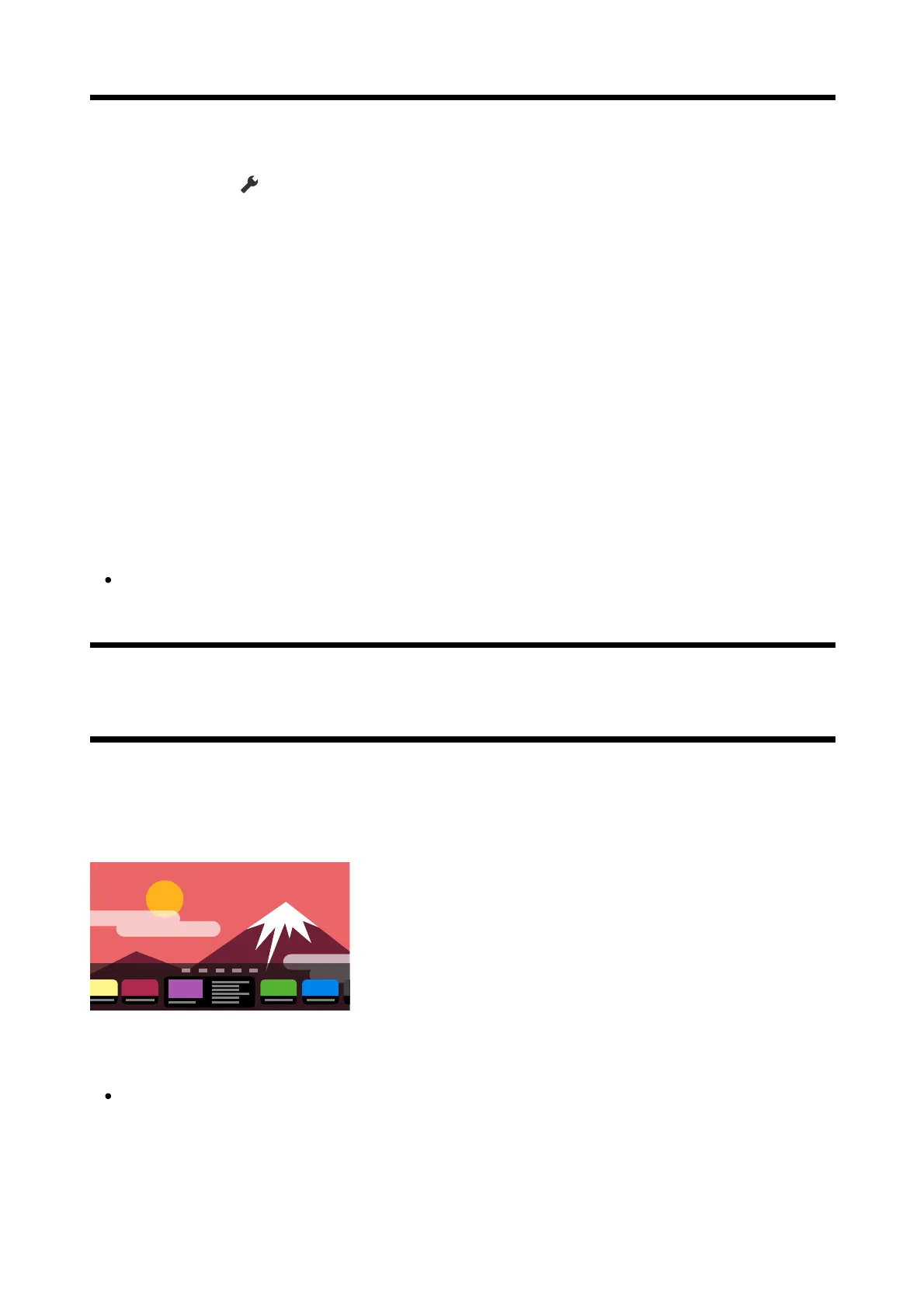
Using the TV menu
Press the TV button while watching a TV broadcast to display the [TV menu]. A channel list is
displayed in [TV menu] and you can easily select programmes on other channels while
watching TV.
Note
The displayed screen and menus may vary depending on what you are watching and
your model/country/region.
Press the TV button while watching a TV broadcast.
The TV menu is displayed at the bottom of the screen.













 To Next Page