1
2
1
Use the (Left) / (Right) buttons on the remote control to select the screen
you want to display in full screen mode.
Press the (Down) button on the remote control and select [Full screen]
from the menu.
Hint
You can also exit two-screen display by pressing and holding the MENU button on the
remote control or by pressing the (HOME) button.
[14] Useful features
Selecting the Content type based on the current
content
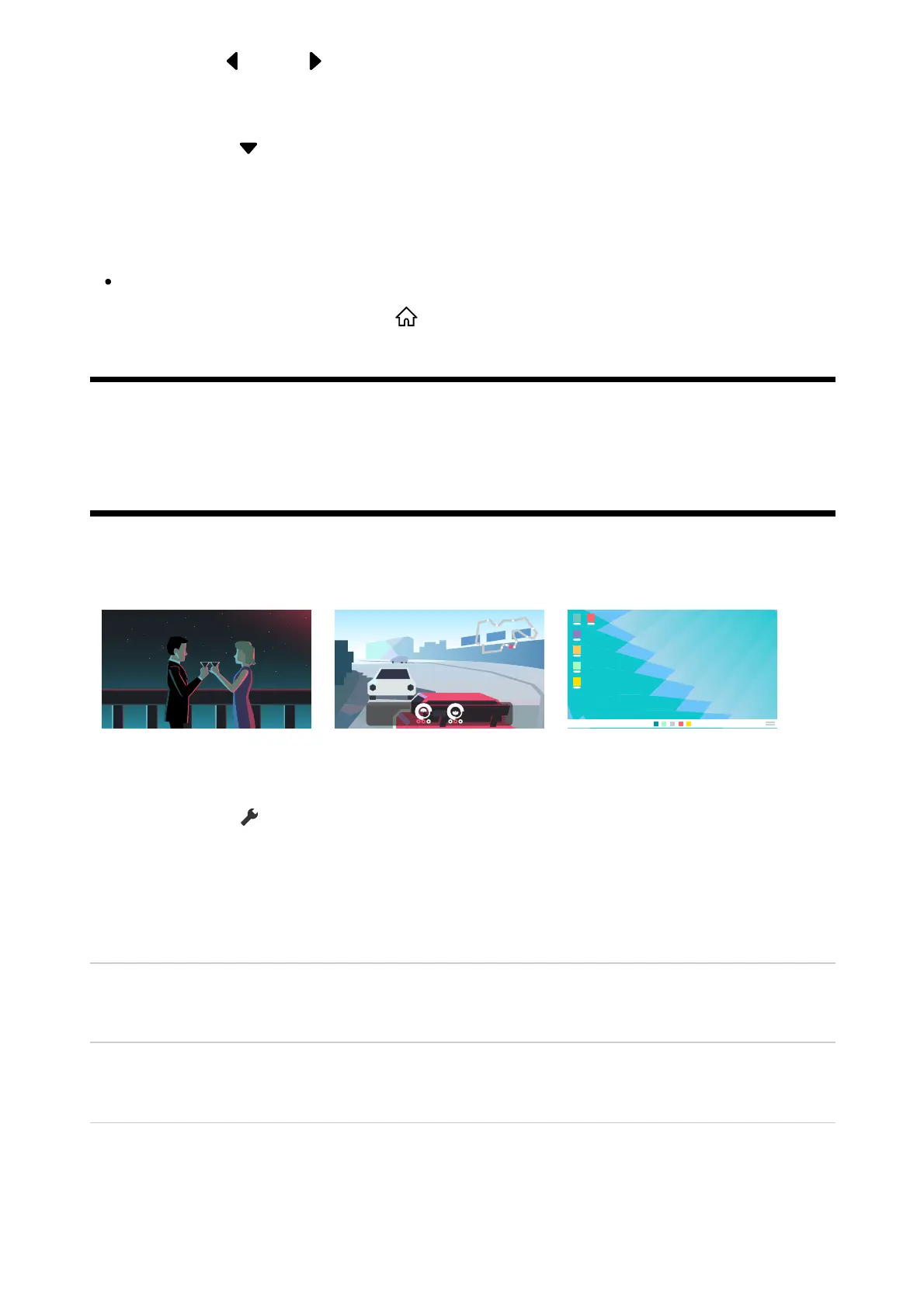
By selecting the Content type based on what you are watching, you can enjoy richer picture
and sound quality.
Video Game PC
Press the (Quick Settings) button on the remote control, and then select
the following in order.
[Settings] — [Display & Sound] — [Picture & Sound] — [Content type]
You can change the following settings.
Video/Images
Applies picture and sound quality suitable for watching video and still images.
Game
Applies picture and sound quality suitable for video games.
PC
Applies picture and sound quality suitable for video input from a PC.
Note













 To Next Page