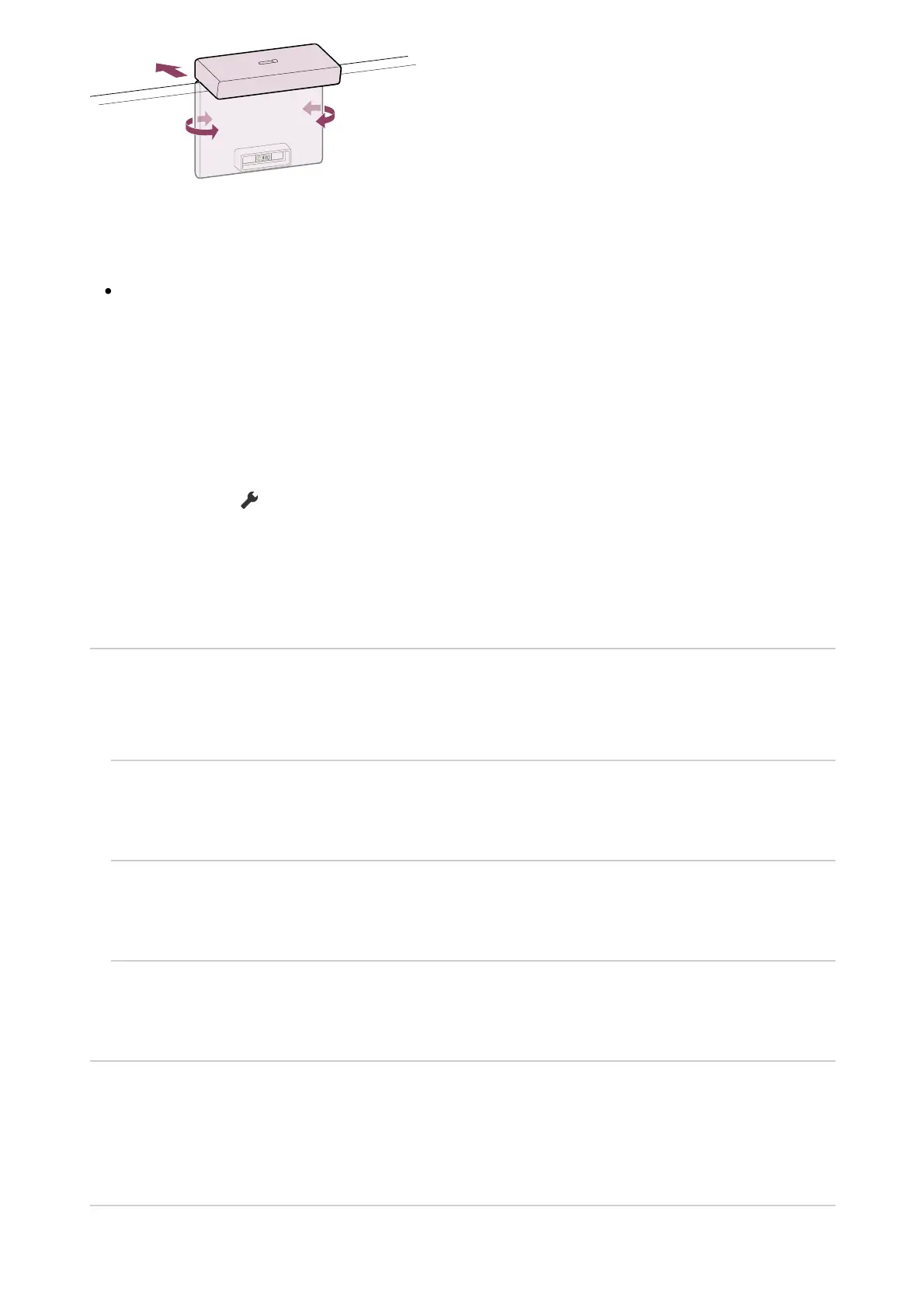
1
Note
You may need to update the TV software to use the features of the Camera and
Microphone Unit. Please update if a software update notification is displayed.
Setting the Camera sensing functions
Configure settings related to the sensor of the Camera and Microphone Unit.
Press the (Quick Settings) button on the remote control, and select in the
following order.
[Settings] — [Remotes and accessories] — [BRAVIA CAM] — the desired item
Available settings
[Auto adjust picture and sound] (BRAVIA XR models only)
The Camera and Microphone Unit detects the user's viewing position and automatically
adjusts the screen brightness, volume, and audio balance.
[Brightness]
Automatically adjusts the brightness according to the viewing distance to make colours more
visible.
[Voice emphasis]
Automatically adjusts the volume according to the viewing distance. If you are far from the TV,
the sound is made more audible.
[Sound balance]
Adjusts the balance so it sounds as if you are viewing from the front of the TV even if you are
actually not.
[Proximity Alert]
Notifies you if the TV viewing distance is too close.
You must input your PIN to enable this feature. When enabled, it will be set at 1 m (3 ft.)
(default). You can select [Set distance] to set any distance.
[Auto power saving mode]













 To Next Page