Note
The effect varies depending on your model/country/region, settings, and installation
environment.
[36] Adjusting the picture/screen/sound quality to your preferences | Adjusting the
picture/screen/sound quality to your preferences
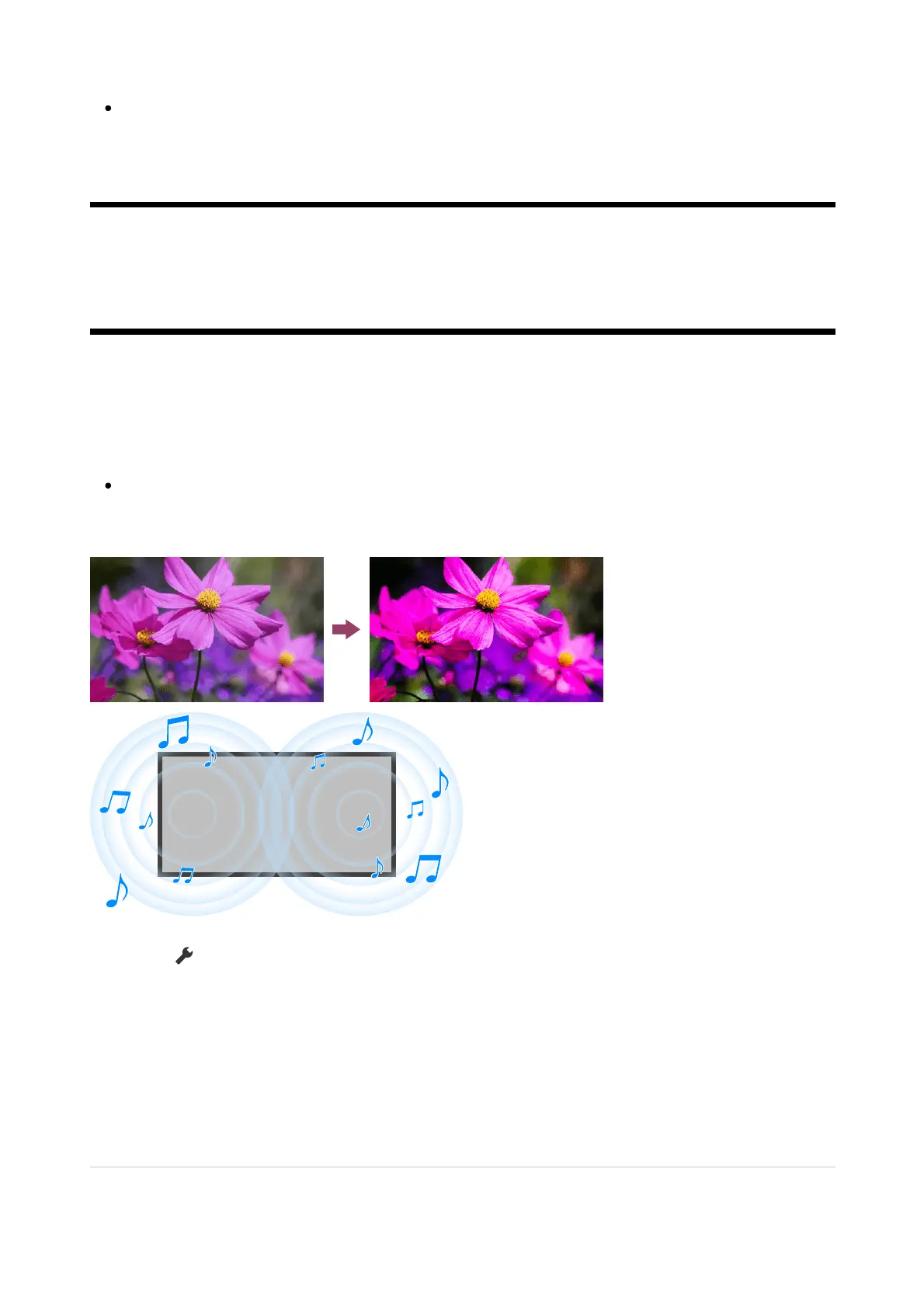
Adjusting the picture/sound quality automatically
The picture and sound quality can be automatically adjusted according to the TV's installation
environment.
Note
Depending on the model, what you are watching, the TV settings, and connected
devices, the actual screen may differ or some settings may not be available.
Press the (Quick Settings) button on the remote control, then select the following settings.
[Settings] — [Display & Sound] — [Ambient Optimisation Pro]
You can change the following settings.
Auto adjust according to sensors
You can set the following.
Auto adjust according to ambient light
Optimises picture brightness automatically by sensing the luminance of ambient light.













 To Next Page