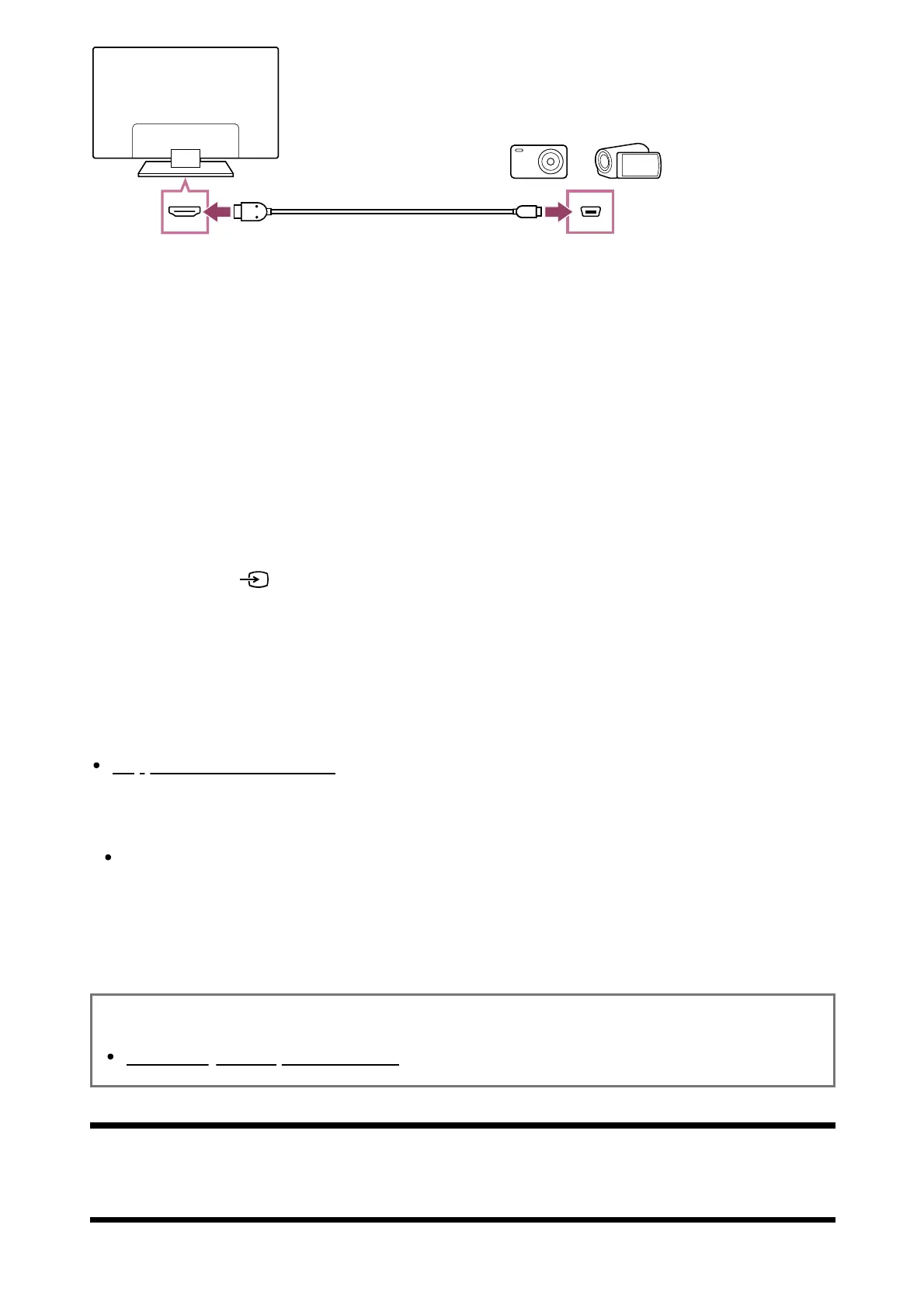
(A) Digital still camera
(B) Camcorder
(C) HDMI cable (not supplied)
Be sure to use an authorised Premium High Speed HDMI Cable(s) bearing the HDMI
logo.
To view content stored on a digital still camera/camcorder
After connecting the digital still camera/camcorder, turn it on.
Press the (Input select) button repeatedly to select the connected digital
still camera/camcorder.
Start playback on the connected digital still camera/camcorder.
To check the supported file formats
Supported files and formats
Hint
If you connect a BRAVIA Sync-compatible device, you can operate it by simply using
the TV’s remote control. Make sure that the device is BRAVIA Sync-compatible. Some
devices may not be compatible with BRAVIA Sync even though they have an HDMI jack
(socket).
Related topics
BRAVIA Sync-compatible devices
[57] Computers, cameras, and camcorders | Computers, cameras, and camcorders
Computer video signal specifications
*
* ™













 To Next Page