When a Bluetooth audio device is connected, the responsiveness of the TV while
playing video games may feel slower due to the [A/V sync] setting adding a delay to the
output timing of the picture. For games that are dependant on response time, we do not
recommend you use a Bluetooth device and recommend that you use the TV speakers
or a sound bar with a wired (HDMI cable/digital optical cable) connection instead.
[71] Using the TV with Other Devices
BRAVIA Sync-compatible devices
BRAVIA Sync overview
Using features available for BRAVIA Sync-compatible devices
Adjusting BRAVIA Sync settings
[72] BRAVIA Sync-compatible devices | BRAVIA Sync-compatible devices
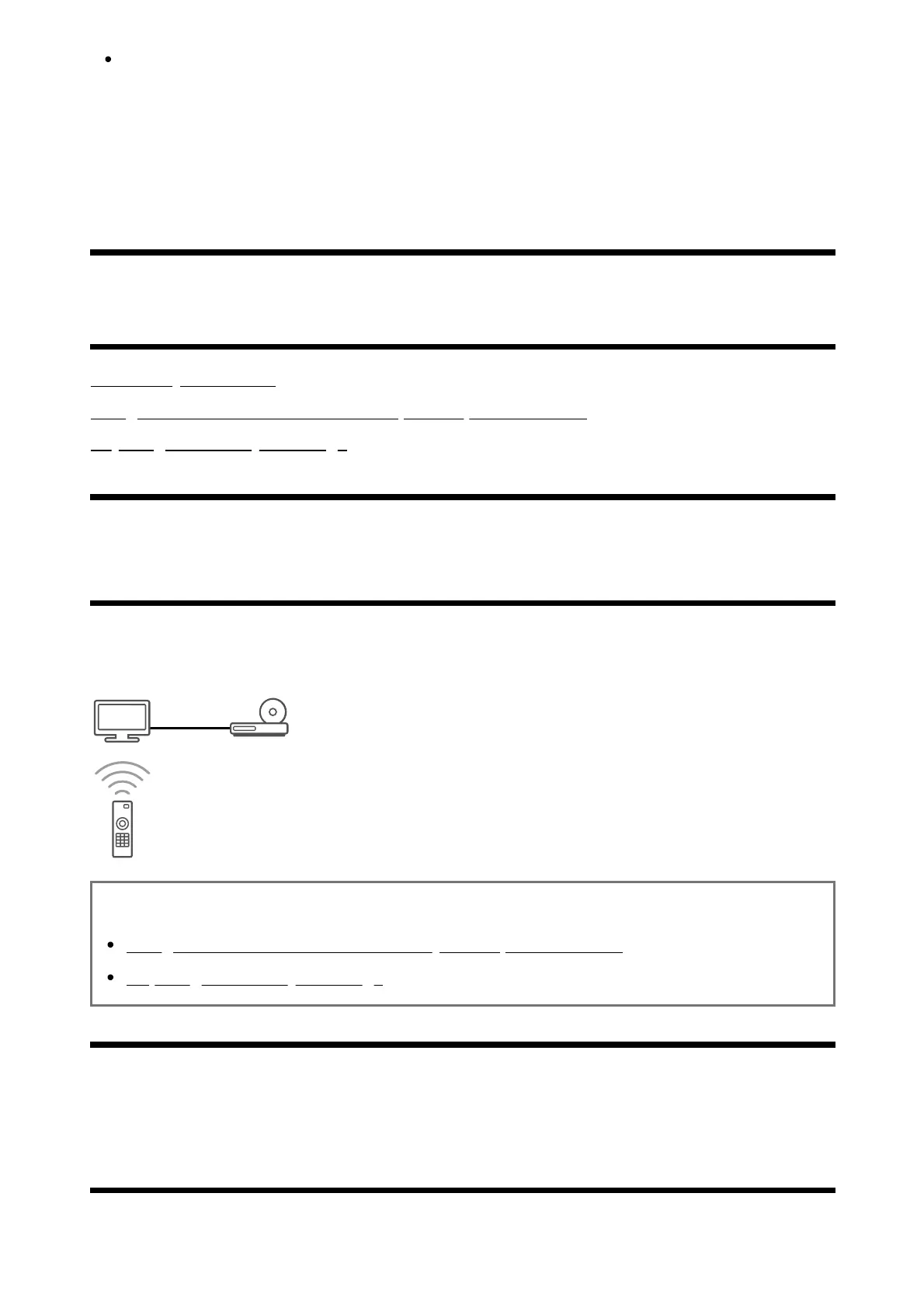
BRAVIA Sync overview
If a BRAVIA Sync-compatible device (e.g., Blu-ray player, AV receiver) is connected with an
HDMI cable, you can operate the device with the TV’s remote control.
Related topics
Using features available for BRAVIA Sync-compatible devices
Adjusting BRAVIA Sync settings
[73] BRAVIA Sync-compatible devices | BRAVIA Sync-compatible devices
Using features available for BRAVIA Sync-
compatible devices













 To Next Page