Protectingimages(Protect)
You call protect images against accidental erasure.
The protect function can be operated either using the Fn button or the
MENU button. Here operation using the Fn button is described.
1 Fnbutton--, [Protect]--, [Markedimages]
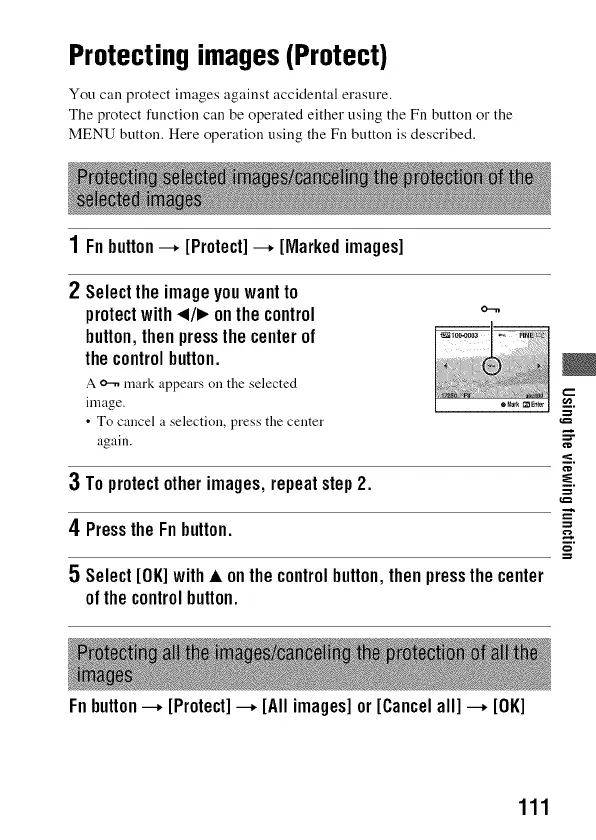
2 Selecttheimageyouwantto
protectwith_1/1_onthecontrol
button,thenpressthecenterof
thecontrolbutton.
A _ mark appears on the selected
inaage.
• To cancel a selection, press the center
again.
o...m
g
3 Toprotectotherimages,repeatstep2.
4 PresstheFnbutton. =
n.
5 Select[OK]with• onthecontrolbutton,thenpressthecenter
ofthe controlbutton.
Fnbutton--, [Protect]--, [Allimages]or [Cancelall] --, [OK]
111



 To Next Page