Deletingimages(Delete)
Once you have deleted all image, you cannot restore it. Check whether to
delete the image or not beforehand.
The delete function can be operated either fl'om the Fn button or from the
MENU button. Here operation using the Fn button is described.
Hole
• Protected images canllot be deleled.
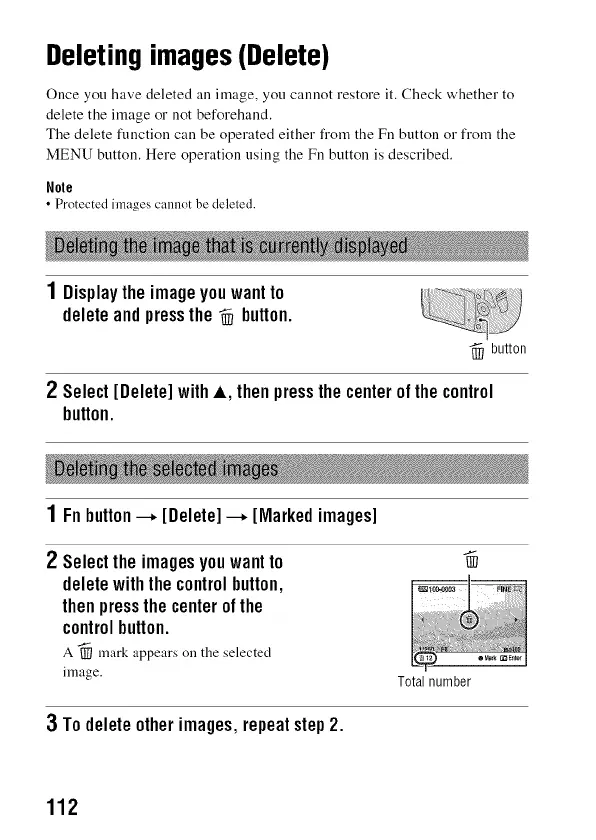
1Displaytheimageyouwantto
deleteandpressthe_ button.
-_ button
2 Select[Delete]withA, thenpressthe centerofthecontrol
button.
1 Fnbutton---*[Delete]---*[Markedimages]
2 Selecttheimagesyouwantto _
deletewiththecontrolbutton,
thenpressthecenterofthe
controlbutton.
A -_ mark appears on tile selected
image.
Total number
3 Todeleteotherimages,repeatstep2.
112



 To Next Page