Playingbackimages
The last recorded image is displayed on the LCD monitor.
1Pressthe':_ button.
._} button
2 Selectan imagewith,/1_ onthecontrolbutton.
To returnto the shooting mode
Press the ;_} button again.
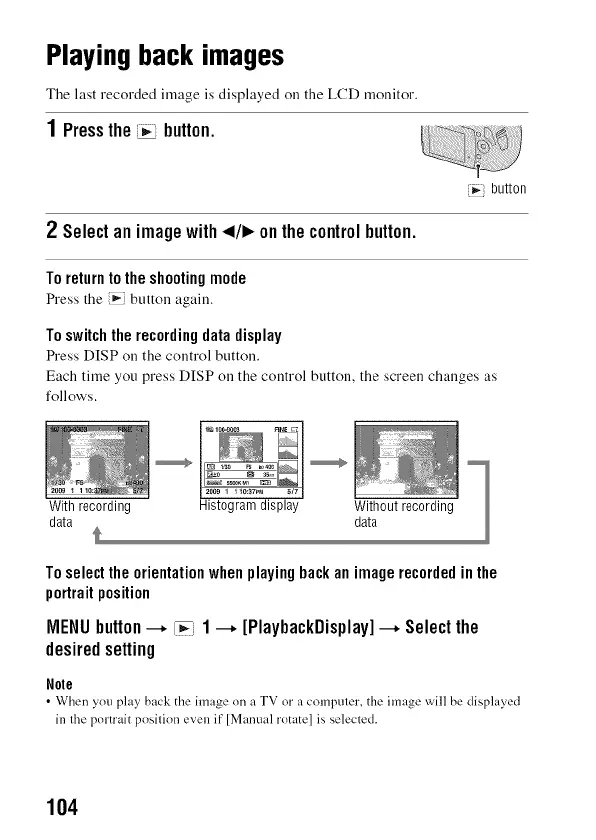
To switch the recording data display
Press DISP on the control button.
Each time you press DISP on the control button, the screen changes as
follows.
Toselecttheorientationwhenplayingbackanimagerecordedinthe
portraitposition
MENUbutton--+ [_i 1--+ [PlaybackDisplay]--+ Selectthe
desiredsetting
Note
• When you play' back the image on a TV or a computer, the image will be displayed
in the portrait position even it"[Manual rotate] is selected.
104



 To Next Page