1 Fnbutton--+ [Rotate]
2 Pressthecenterofthecontrolbutton.
The image is rotated counter-clockwise. When you want to do another
rotation, repeat step 2.
• Once you rotate the image, the image is played back in the rotated position,
even if you turn off the power.
Toreturntothenormalplaybackscreen
Press the [_] button.
Note
• When you copy rolaled images to a computer, "PMB" comained on the CD-ROM
(supplied) can display the rotated images correctly. However, ihe images may not be _
rotated depending on the sofIware.
%
i
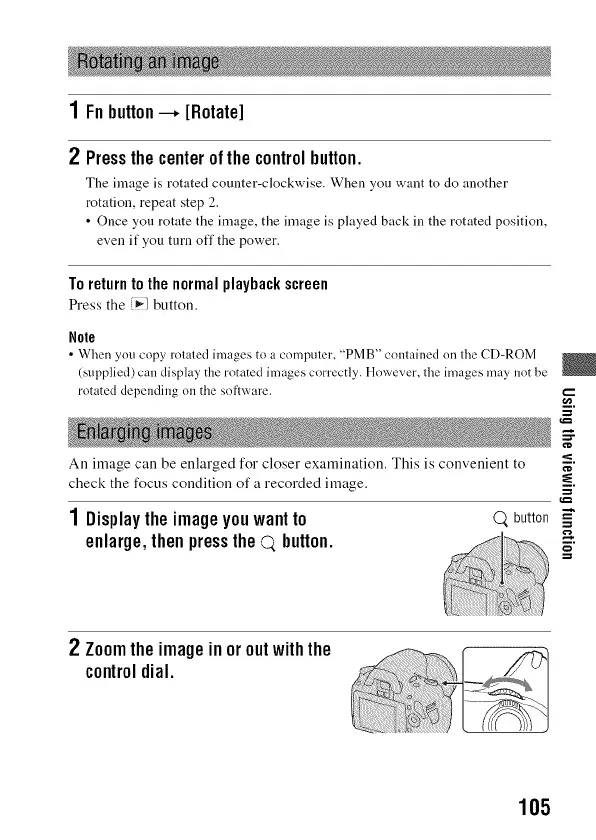
An image can be enlarged for closer examination. This is convenient to _"
check the focus condition of a recorded image. -_.
1 Displaytheimageyouwantto Q button _"
--,,-,
enlarge,thenpressthe(7),button. ==
2 Zoomtheimageinoroutwiththe
controldial.
105



 To Next Page