3 Selecttheportionyouwantto enlargewithA/T/</I_ onthe
controlbutton.
To cancelthe enlarged playback
Press the (_ button so that the image returns to the normal size.
Scalingrange
The scaling range is as follows.
Image size
L
M
S
Scaling range
DSLR-A380 DSLR-A330
Approx. xl.1 x14 Approx. xl.1 x12
Approx. xl.1 xll Approx. xl.1 x9.1
Approx. xl.1 x7.2 Approx. ×1.1 ×6.1
Fnbutton--, [ImageIndex]--, Selectthe desirednumberof
imagestobedisplayed
The screen changes to the image index screen.
Toreturntothesingle-imagescreen
Press the center of the control button when you select the desired image.
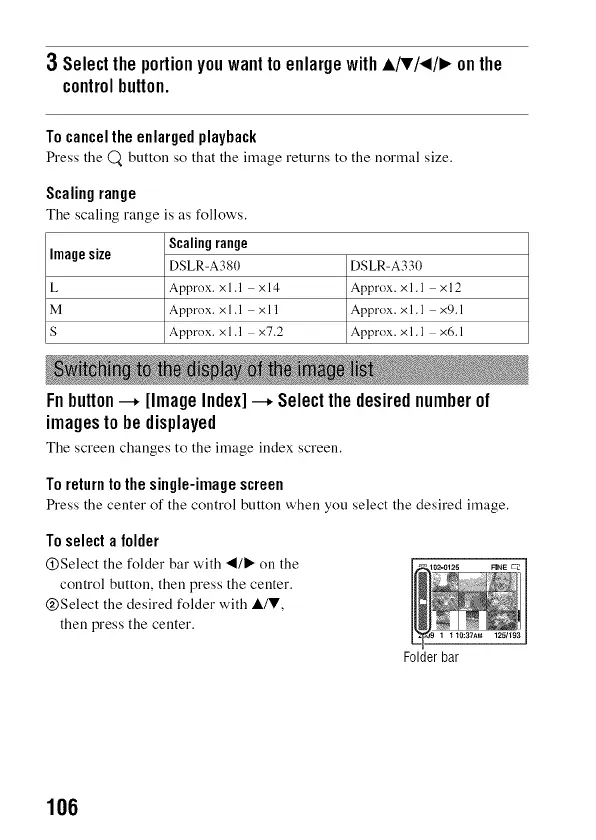
Toselecta folder
@Select the folder bar with "4/_" on the
control button, then press the center.
@Select the desired folder with A/V,
then press the center.
Folder bar
106



 To Next Page