4 PresstheFnbutton.
5 Select[Delete]with• onthecontrolbutton,thenpressthe
centerofthecontrolbutton.
1 Fnbutton--+ [ImageIndex]--+ Selectthedesirednumberof
images
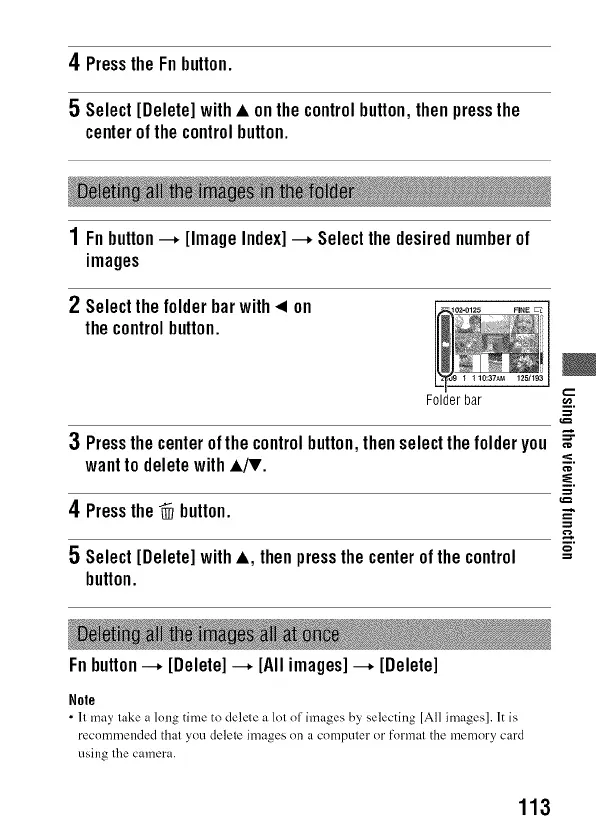
2 Selectthefolderbarwith< on
thecontrolbutton.
€,,,,.
Folder bar _.
3 Pressthecenterofthecontrolbutton,thenselectthefolderyou _
wantto deletewith•/T. _
4 Pressthe@ button. _,
=
i.
5 Select[Delete]with•, thenpressthecenterofthecontrol ==
button.
Fnbutton---, [Delete]---, [Allimages]---, [Delete]
Nole
• It may take a long time to delete a lot of images by selecting [All images]. It is
recommended that you delete images on a computer or format the memory card
using the camera.
113



 To Next Page