PAL-N system
Argentina, Paraguay. Uruguay
SECAMsystem
Bulgaria, France. Guiana, tram h'aq, Monaco, Russia, Ukraine. etc.
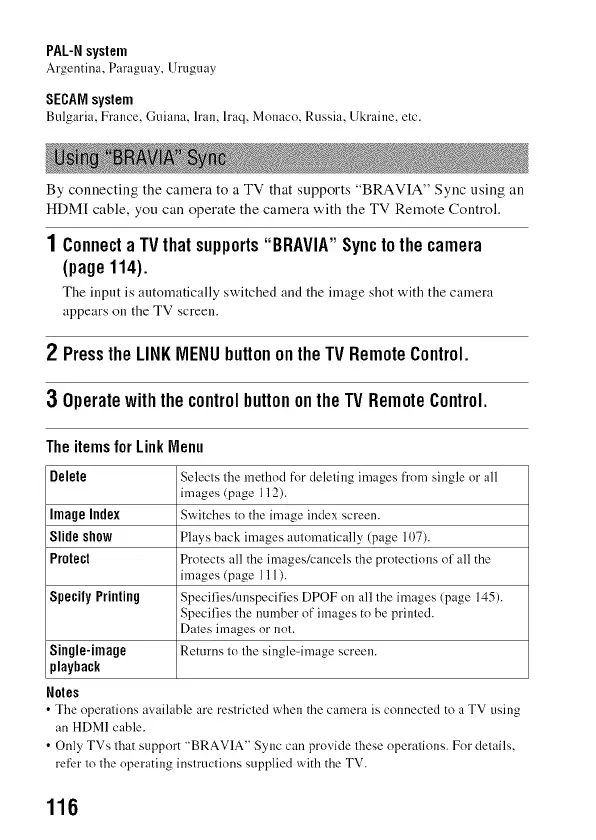
By connecting the camera to a TV that supports "BRAVIA" Sync using an
HDM[ cable, you can operate the camera with the TV Remote Control+
1 ConnectaTVthatsupports"BRAVlA"Synctothecamera
(page114).
The input is automatically switched and the image shot with the camera
appears on the TV screen.
2 PresstheLINKMENUbuttonontheTVRemoteControl.
3 OperatewiththecontrolbuttonontheTVRemoteControl.
TheitemsforLink Menu
Delete Selects tire method fi>rdeleting images from single or all
images (page 112).
Image Index Switches to the image index screen.
Slide show Plays back images automatically (page 107).
Protect Protects all the images/cancels the protections of all the
images (page 111 ).
Specify Printing Specifies/unspecifies DPOF on all the images (page 145).
Specifies tire number of images to be printed.
Dates images or not.
Single-inlage Returns to tire single-image screen.
playback
Soles
• Tire operations available are restricted when the camera is colmected to a TV using
an HDMI cable.
• Only TVs that support "BRAVIA" Sync can provide these operations. For details,
refbr to tire operating instructions supplied with the TV.
116



 To Next Page