1Inserta memorycardwithrecordedimagesintothecamera.
2 Selectthetypeofmemorycardyouwantto copyimagesfrom
usingthememorycardswitch.
3 Insertthesufficientlychargedbatterypackinthecamera,or
connectthe cameratoa walloutlet(wallsocket)withtheAC
Adaptor(soldseparately).
• When you copy images to your computer using an insufficiently charged
battery pack, copying may fail or image data may become corrupted if the
battery pack shuts down too soon.
4Turnonthecameraandthecomputer.
5 Checkthat[USBconnection]in % 3 issetto[MassStorage].
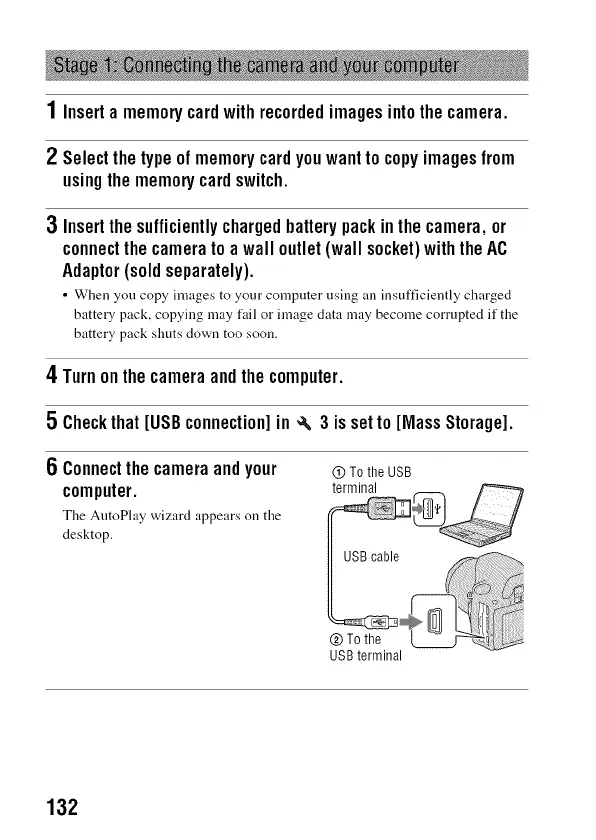
6 Connectthe cameraandyour
computer.
The AutoPhty wizard appears on the
desktop.
(!) To the USB
terminal
USB terminal
132



 To Next Page