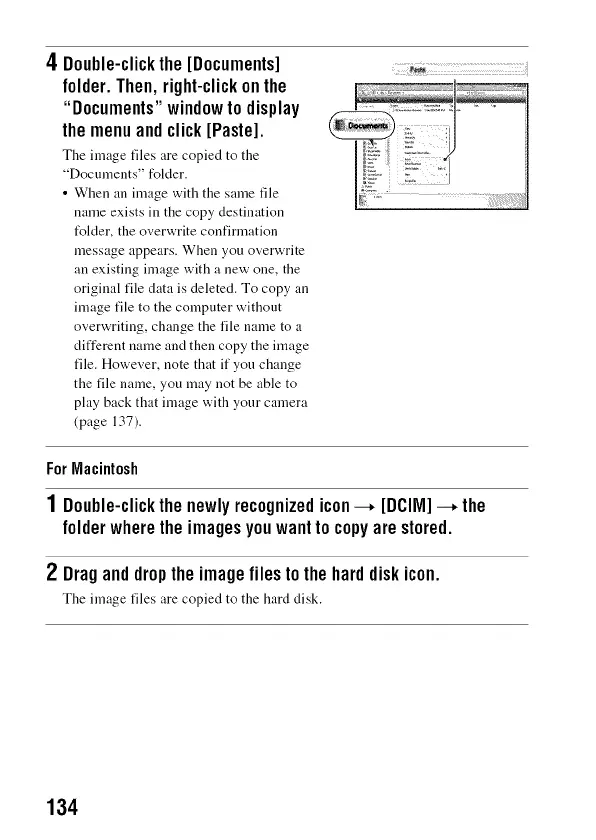
4 Double-clickthe[Documents]
folder. Then, right-clickon the
"Documents" windowto display
themenuandclick[Paste].
The image files are copied to the
"Documents" folder.
• When an image with the same file
name exists in the copy destination
t_lder, the overwrite confirmation
message appears. When you overwrite
an existing image with a new one, the
original file data is deleted. To copy an
image file to the computer without
overwriting, change the file name to a
different name and then copy the image
file. However, note that if yon change
the file name, you may not be able to
play back that image with your camera
(page 137).
ForMacintosh
1 Double-clickthenewlyrecognizedicon--+ [DCIIVI]--+the
folderwheretheimagesyouwanttocopyarestored.
2 Draganddroptheimagefilestotheharddiskicon.
The image files are copied to the hard disk.
134



 To Next Page