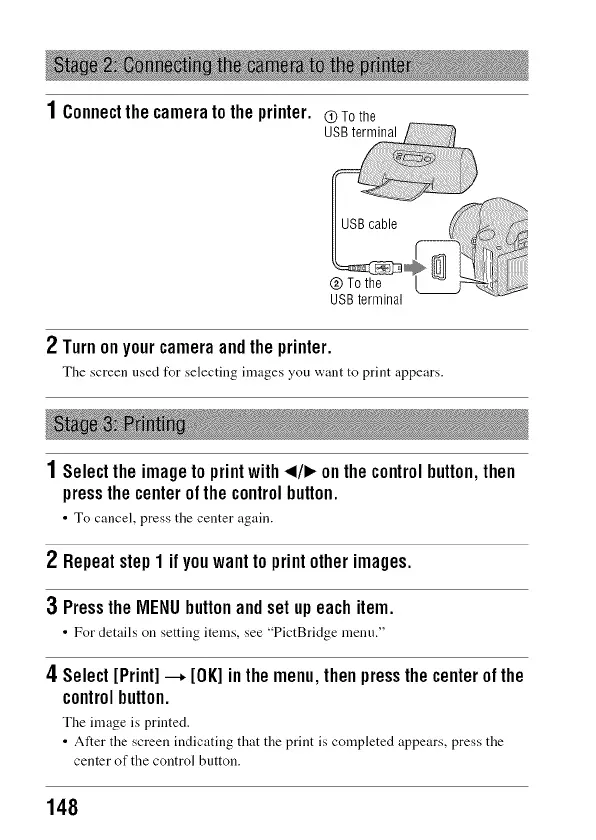
1Connectthecameratotheprinter.
u@Tothe
USBterminal
2 Turnonyourcameraandtheprinter.
The screen nsed for selecting images you want to print appears.
1 Selecttheimagetoprintwith_1/1_onthecontrolbutton,then
pressthecenterofthecontrolbutton.
• To cancel, press the center again.
2 Repeatstep1 if youwanttoprint otherimages.
3 PresstheMENUbuttonandsetupeachitem.
• For details on setting items, see "PictBridge menn."
4Select[Print]--, [OK]inthemenu,thenpressthecenterofthe
controlbutton.
The image is printed.
• Alter the screen indicating that the print is completed appears, press the
center of the control button.
148



 To Next Page