Preparingthe camera
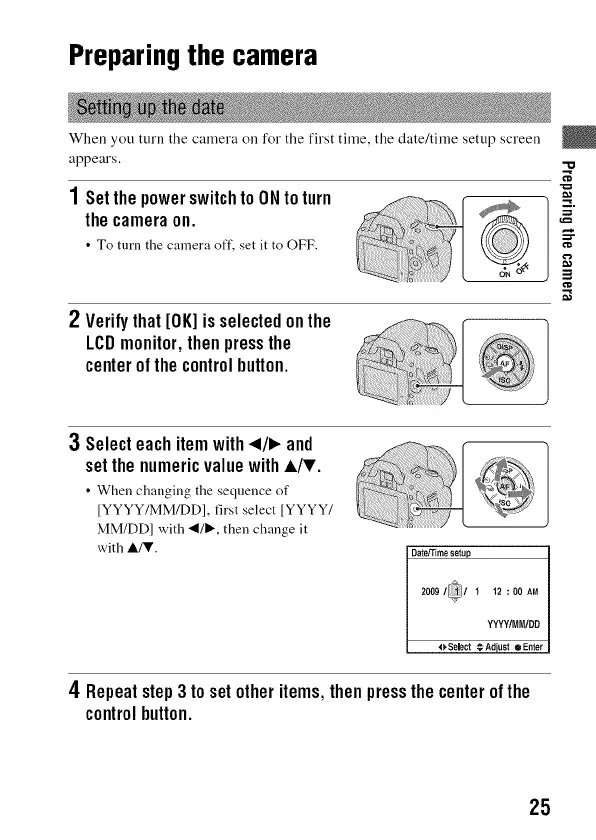
When you turn the camera on for the first time, the date/time setup screen
appears.
1SetthepowerswitchtoONtoturn
thecameraon.
• To turn the camera off, set it to OFF.
2 Verifythat[OK]isselectedonthe
LCDmonitor,thenpressthe
centerofthecontrolbutton.
3Selecteachitemwith_1/1_and
setthenumericvaluewithA/T.
• When changing tile sequence of
IYYYY/MM/DD], first select IYYYY/
MM/DD] with _1/1_, then change it
with A/T.
Dateffime setup
2009 / [ 1 12 : 00 AM
v
YYYY/MM/DD
o Select € Adjust • Enter
4 Repeatstep3 tosetotheritems,thenpressthecenterofthe
controlbutton.
"o
25



 To Next Page